Wetin to do to start
Co-op Translator Dokumenteshon
Make sure say your repository translations dey up-to-date. Translate Markdown and notebooks with Azure OpenAI, OpenAI, or Anthropic, then check if dem still fresh, structure, and local links. Azure no necessary for text translation.
Try one small translation example ->To translate text for images, you go need Azure AI Vision. You sabi your setup already? Choose your workflow.
See how dem dey use Co-op Translator for AI Agents for Beginners: di same README section for English and Korean.
| English | Korean |
|---|---|
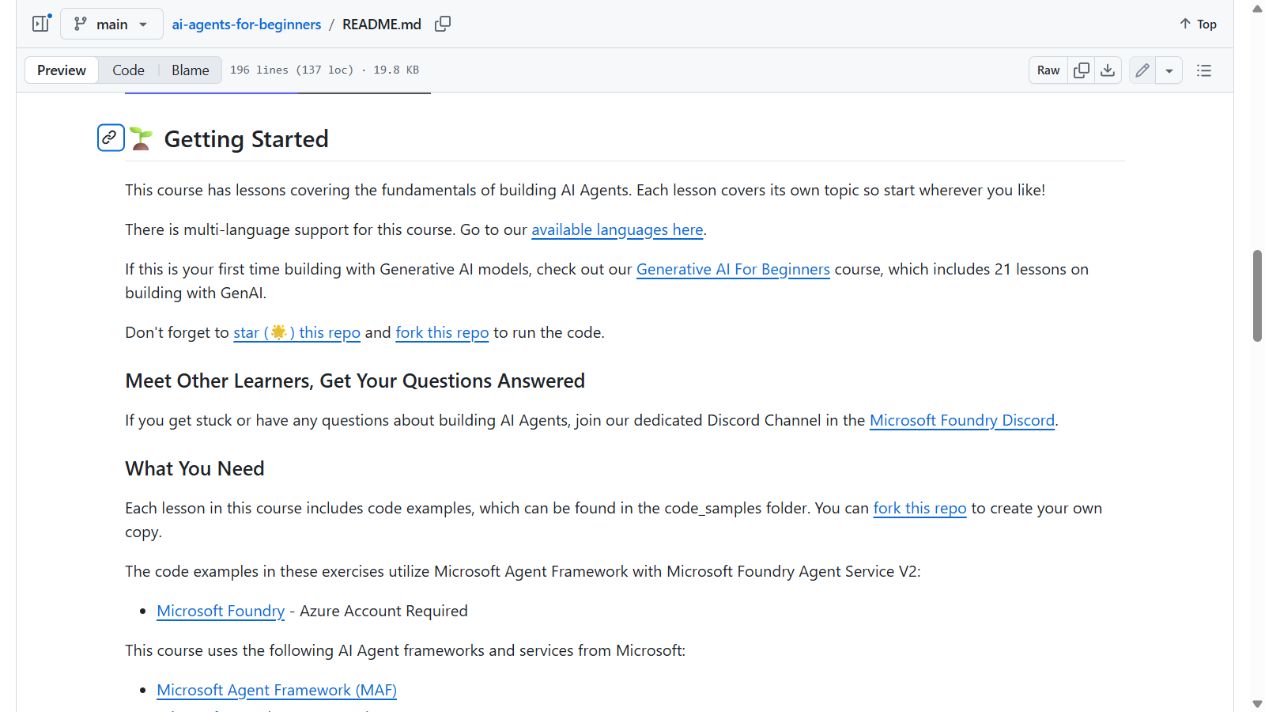 |
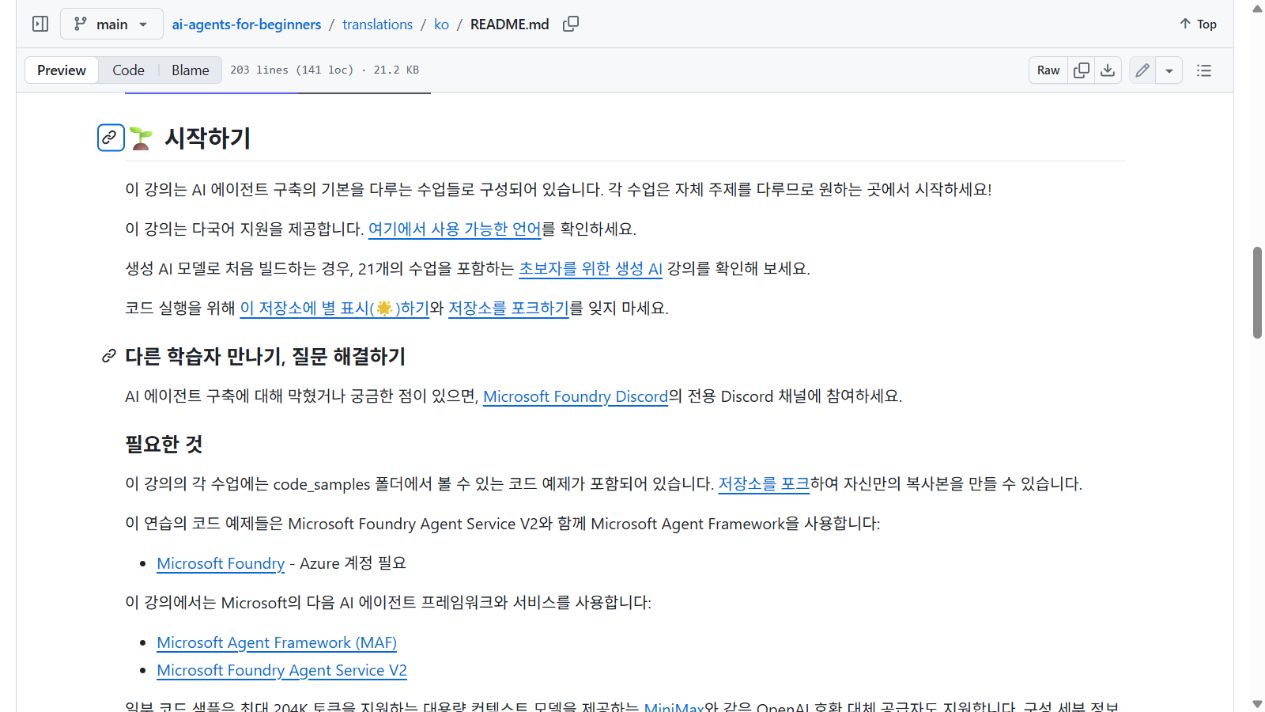 |
English source · Korean translation
Try a small translation project: source files, real outputs, and one translation diff wey you fit inspect.
Read di docs for your language
en
Koreanko
Japaneseja
Chinese (Simplified)zh-CN
Spanishes
Frenchfr
Germande
Portuguese (Brazil)pt-BR
Show all languages
47 more
ru
Arabicar
Persian (Farsi)fa
Urduur
Chinese (Traditional, Macau)zh-MO
Chinese (Traditional, Hong Kong)zh-HK
Chinese (Traditional, Taiwan)zh-TW
Hindihi
Bengalibn
Marathimr
Nepaline
Punjabi (Gurmukhi)pa
Portuguese (Portugal)pt-PT
Italianit
Polishpl
Turkishtr
Greekel
Thaith
Swedishsv
Danishda
Norwegianno
Finnishfi
Dutchnl
Hebrewhe
Vietnamesevi
Indonesianid
Malayms
Tagalog (Filipino)tl
Swahilisw
Hungarianhu
Czechcs
Slovaksk
Romanianro
Bulgarianbg
Serbian (Cyrillic)sr
Croatianhr
Sloveniansl
Burmese (Myanmar)my
Ukrainianuk
Lithuanianlt
Tamilta
Estonianet
Nigerian Pidginpcm
Telugute
Malayalamml
Kannadakn
Khmerkm
Quick start
Configure one provider, then choose the interface that fits your work. CLI, Python API, and MCP are alternatives; you do not need to complete all three.