Getting started
Co-op Translator Documentation
Keep your repository's translations up to date. Translate Markdown and notebooks with Azure OpenAI, OpenAI, or Anthropic, then review freshness, structure, and local links. Azure is optional for text translation.
Try a small translation example ->Image text translation additionally requires Azure AI Vision. Already know your setup? Choose your workflow.
Working with an AI agent? Install the Co-op Translator skill for repository translation, synchronization, and review.
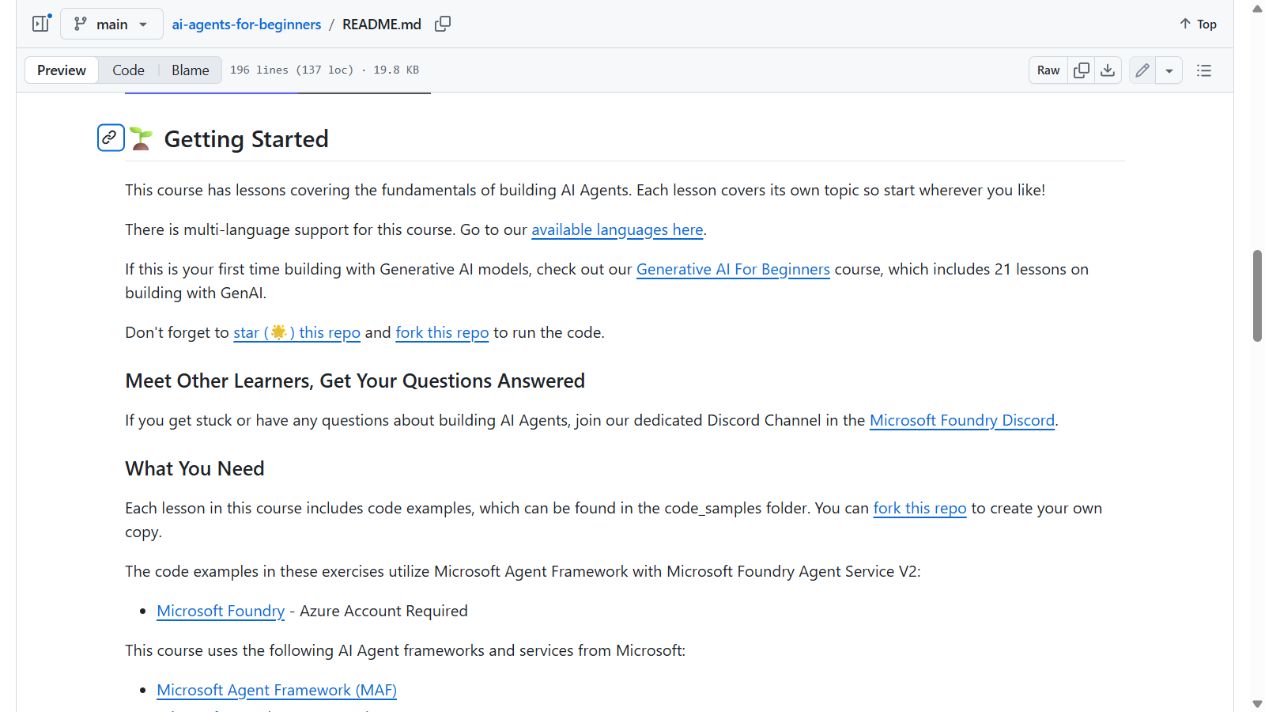
See Co-op Translator in use in AI Agents for Beginners: the same README section in English and Korean.
| English | Korean |
|---|---|
 |
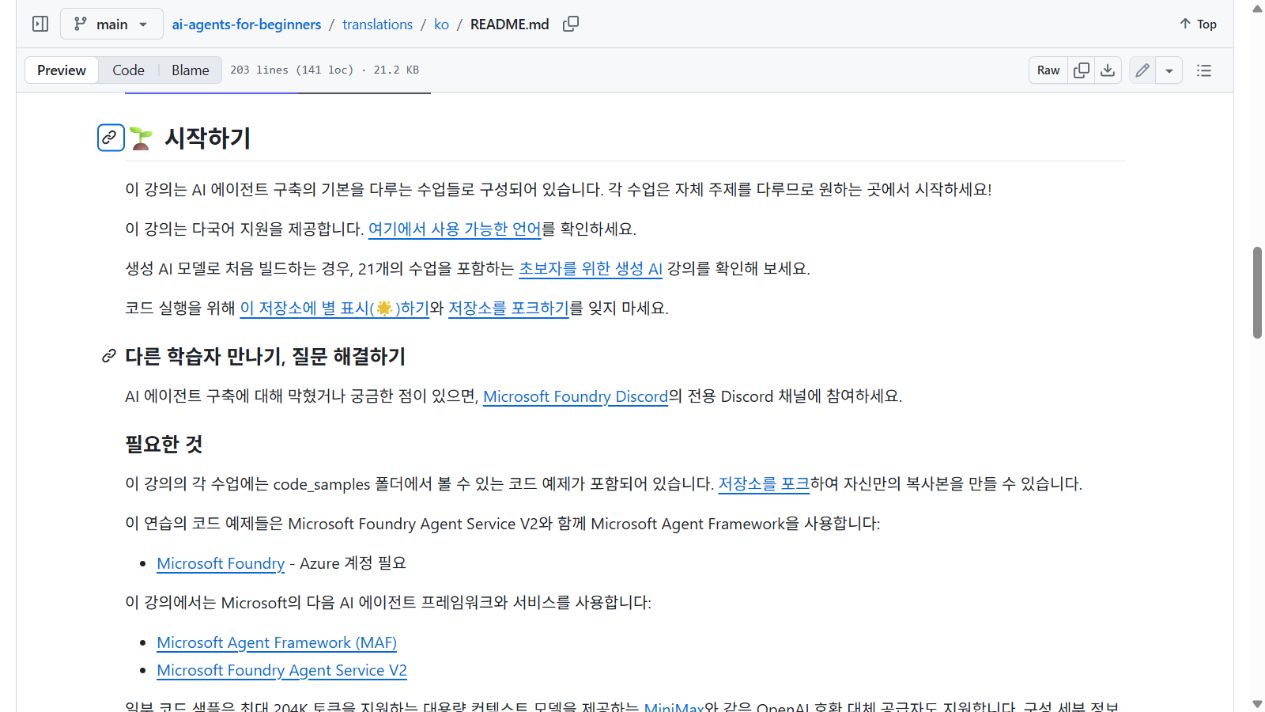 |
English source · Korean translation
Try a small translation project: source files, actual outputs, and a translation diff you can inspect.
Read the docs in your language
en
Koreanko
Japaneseja
Chinese (Simplified)zh-CN
Spanishes
Frenchfr
Germande
Portuguese (Brazil)pt-BR
Show all languages
47 more
ru
Arabicar
Persian (Farsi)fa
Urduur
Chinese (Traditional, Macau)zh-MO
Chinese (Traditional, Hong Kong)zh-HK
Chinese (Traditional, Taiwan)zh-TW
Hindihi
Bengalibn
Marathimr
Nepaline
Punjabi (Gurmukhi)pa
Portuguese (Portugal)pt-PT
Italianit
Polishpl
Turkishtr
Greekel
Thaith
Swedishsv
Danishda
Norwegianno
Finnishfi
Dutchnl
Hebrewhe
Vietnamesevi
Indonesianid
Malayms
Tagalog (Filipino)tl
Swahilisw
Hungarianhu
Czechcs
Slovaksk
Romanianro
Bulgarianbg
Serbian (Cyrillic)sr
Croatianhr
Sloveniansl
Burmese (Myanmar)my
Ukrainianuk
Lithuanianlt
Tamilta
Estonianet
Nigerian Pidginpcm
Telugute
Malayalamml
Kannadakn
Khmerkm
Quick start
Configure one provider, then choose the interface that fits your work. CLI, Python API, and MCP are alternatives; you do not need to complete all three.