Azure App Service Community Standup: Platform Release Channels & WebSSH
Keeping an application current should not mean giving up control over testing, deployment, or troubleshooting. In the October 8 Azure App Service Community Standup: Platform Release Channels & WebSSH for Custom Containers, the team demonstrated how App Service for Linux is making those operational tasks easier, from validating runtime patches to investigating a failing backend connection.
The session covered:
- Choosing when to adopt runtime patches with Platform Release Channel.
- Simplifying deployment with Quick Deploy, plus previews of code rollback and Secure Builds.
- Connecting to custom containers without an SSH server and collecting Node.js CPU, memory, and network diagnostics.
Watch the Session
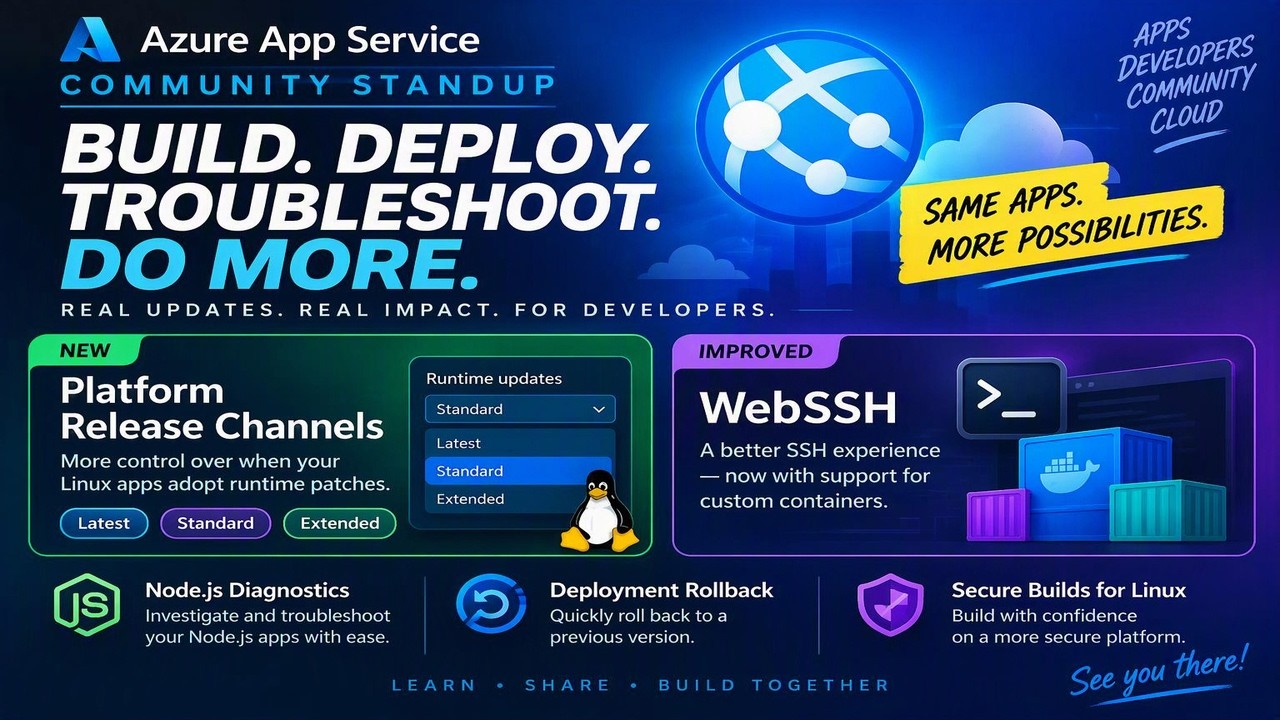
Validate runtime patches before production adopts them
Runtime patches bring security fixes and platform improvements, but applications may need validation before moving to a newer patch. Platform Release Channel gives Linux apps a choice of update cadence:
| Channel | Purpose |
|---|---|
| Latest | Receives new patches first; intended for early validation, not production workloads. |
| Standard | The default channel, following the normal App Service rollout cadence and recommended for most production apps. |
| Extended | Stays further behind to provide additional validation time, typically one release behind Standard. |
Tulika demonstrated three copies of a .NET application, one on each channel. Inspecting their runtime versions in SCM (Kudu) showed different patch levels, making the progression from Latest to Standard to Extended concrete. Those versions were a snapshot of the rollout, not permanently pinned versions or a fixed update schedule.
The team highlighted a practical testing pattern: keep production on Standard and configure a deployment slot on Latest to test upcoming patches. Channel selection can differ by slot. During the demonstration, Tulika also explained that changing the channel recycles the app to use the corresponding runtime image.
You can configure the channel in the Azure portal’s Stack settings or through Azure CLI. For example, explicitly select the default channel:
az webapp update \
  --resource-group <resource-group> \
  --name <web-app> \
  --platform-release-channel Standard
Channels control when patches arrive; they are not a way to avoid runtime updates indefinitely. Plan validation around the rollout rather than assuming a particular patch will remain on a channel.
Deploy with more confidence
Test changes and roll back quickly
Quick Deploy brings ZIP upload directly into the Azure portal’s Deployment Center. You can inspect the package and choose whether to run a server-side build before deploying. It is useful for getting started and testing; repeatable production deployments should still use a CI/CD pipeline.
In the session, Tulika uploaded a ZIP package that replaced a working page with a broken version. She then opened the preview Rollbacks experience in SCM (Kudu), selected a retained previous deployment, and restored the working page without uploading the old package again.
The demo showed the current deployment and two previous versions. The presenters explained that retention depends on available filesystem space. Treat this as a preview of the demonstrated recovery workflow, not a guarantee that every deployment or app has a recoverable version. Keep versioned release artifacts and use deployment slots as part of your production release process.
Spot vulnerable components with Secure Builds
The team previewed Secure Builds, showing a deployment-specific report that matched components against GitHub security advisories. Opening a finding led to the corresponding advisory, giving the developer a starting point for remediation. In the demonstrated experience, findings were reported without blocking the deployment.
Rollback and Secure Builds were described as previews during the recording. Their current regional, plan, runtime, and deployment-method coverage has not been independently confirmed in published documentation, so this recap describes what was shown rather than announcing broad availability.
Troubleshoot Linux apps without rebuilding the container
Open a terminal without adding an SSH server
Custom Linux containers traditionally needed their own SSH server configuration for the legacy WebSSH experience. Tulika demonstrated a container without that setup: the old connection failed, but az webapp exec successfully opened a shell in the running app container.
The command, available in preview starting with Azure CLI 2.90.0, uses the local terminal consistently on Windows, macOS, and Linux. Use an up-to-date Azure CLI and select a shell that exists in your image:
az webapp exec \
  --resource-group <resource-group> \
  --name <web-app> \
  --shell /bin/sh
The session also showed Try the new terminal in SCM (Kudu) connecting to the same container. This platform path removes the need to install an SSH daemon or embed an SSH credential in the image. Availability can vary while the platform rollout completes.
Beyond interactive shells, az webapp exec supports detached execution. The presenters discussed running a one-off database migration from an app instance that already has the required network access. An accepted response confirms only that the request was accepted, not that the command completed successfully; detached execution does not return the command’s output or exit code.
Shell access is a privileged operational capability. Apps that do not need it can disable access through the sshEnabled configuration property.
Move from CPU and memory symptoms to useful evidence
For Node.js apps on Linux, the team demonstrated CPU and memory diagnostics in SCM (Kudu) > Diagnostic Tools. You can collect an artifact for local analysis or choose Collect & analyze to generate a built-in report.
The memory report highlighted large strings, closures, and arrays that could help narrow down a suspected leak. The CPU demonstration contrasted a capture taken while the app was idle with one that identified elevated CPU activity and event loop blocking. These reports provide investigation leads, not an automatic fix.
A memory dump captures a point in time; a CPU profile observes activity over a selected interval. Collect evidence while the problem is occurring. Dumps consume storage, and collection and analysis can affect the instance serving your app. The presenters recommended short captures and, where appropriate, reproducing the issue on a deployment slot with a controlled portion of traffic.
During the recording, this diagnostic experience was described as a preview rolling out with Node.js support first. Do not assume the same CPU and memory tooling is available for every Linux runtime.
Separate backend connectivity failures from application errors
The Network Capture demonstration investigated an app returning errors while trying to reach a backend. The generated report showed failed TCP handshakes and retransmissions, directing attention toward the connection path rather than only the frontend web server.
Network Capture is in preview for App Service for Linux and supports collection with optional built-in analysis in SCM (Kudu). Published documentation also describes Azure CLI support through az webapp troubleshoot collect network-capture for Linux web apps on dedicated App Service plans, even though the session discussed additional CLI diagnostics as upcoming.
Captures target a selected app instance, stop at 100 MB, and have a maximum duration of 300 seconds. HTTPS traffic remains encrypted. Packet captures can contain sensitive application data, so handle them accordingly. Choose Collect only and download the .pcap for local investigation when you want to avoid running the analysis on the app instance.
