Azure App Service Community Standup: Managed Instance GA and Markdown for Agents
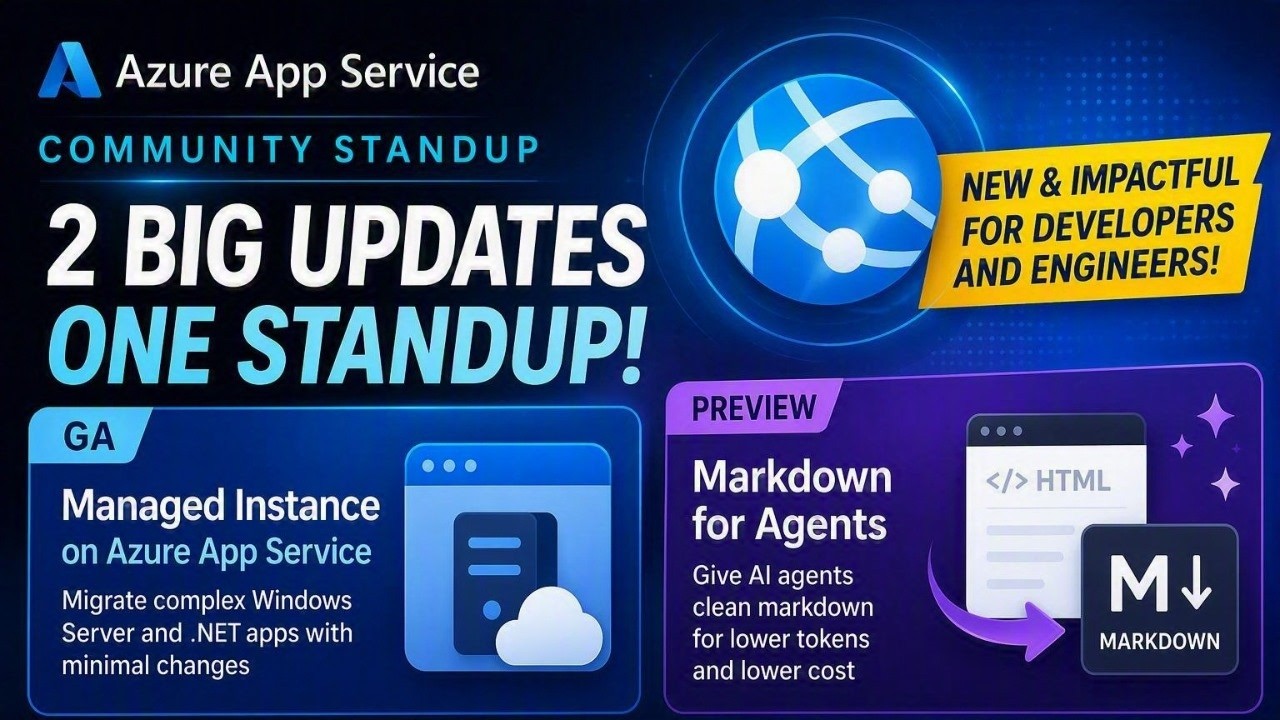
Moving a legacy Windows application to the cloud and making an existing website easier for AI agents to use might sound like separate challenges. In the latest Azure App Service Community Standup, the team showed how App Service platform capabilities can help with both, often with few or no application code changes.
The session covered:
- The general availability of Managed Instance on Azure App Service, a hosting option for Windows applications with operating system and infrastructure dependencies.
- The public preview of Markdown for Agents, which can convert an app’s HTML responses into cleaner, more token-efficient Markdown when a client requests it.
- New Azure CLI 2.90.0 capabilities, including
az webapp execfor interactive shell access and detached command execution on Linux web apps.
Watch the Session
Move legacy Windows applications directly to PaaS
Managed Instance on Azure App Service is designed for applications that cannot easily move to the standard App Service sandbox. These applications may depend on registry access, COM components, GAC assemblies, Windows services, MSI installers, custom fonts, mapped drives, network shares, or specific Windows features and runtimes.
Instead of moving these workloads to virtual machines or delaying migration for a complete rewrite, Managed Instance supports a lift-and-improve approach. You can preserve required dependencies while gaining App Service capabilities such as managed patching, scaling, deployment slots, authentication, managed identity, custom domains, and CI/CD.
During the demonstration, Andrew compared the same ASP.NET Web Forms application on standard App Service and Managed Instance. The application depended on:
- A database connection value stored in the Windows registry.
- GDI-based chart generation.
- A third-party component for PDF export.
The standard App Service sandbox blocked those operations. On Managed Instance, the application could run the existing functionality while also using managed identity to connect to Azure SQL.
Managed Instance provides plan-level configuration for these scenarios:
- Configuration scripts install Windows features, services, components, fonts, custom runtimes, and other dependencies when an instance starts.
- Registry adapters securely provide registry values backed by Azure Key Vault.
- Storage mounts support Azure Files, custom UNC paths, drive-letter mappings, and temporary local storage.
- Azure Bastion access provides just-in-time RDP for diagnostics when the plan is integrated with a virtual network.
Changes made interactively through RDP apply only to the current instance. Any configuration that must survive restarts, scaling, or platform maintenance should be captured in the installation script so App Service can reapply it consistently.
Managed Instance is generally available for Windows web apps in select regions on Premium v4 and Premium Memory-Optimized v4 plans.
Make existing websites easier for agents to consume
Web pages contain scripts, styles, navigation, and other HTML that browsers need but AI agents often do not. Sending all of that markup to a model increases response size and token usage before the agent can reach the useful content.
Markdown for Agents, now in public preview, lets App Service convert supported HTML responses into Markdown at the platform layer. After the feature is enabled, an agent requests Markdown through standard HTTP content negotiation:
curl -i \
  -H "Accept: text/markdown" \
  "https://<APP_NAME>.azurewebsites.net/"
A converted response uses Content-Type: text/markdown; charset=utf-8 and includes the x-markdown-source: easy-markdown response header. Normal browser requests continue to receive the application’s original response, and the app’s existing authentication, authorization, and network access controls still apply.
The standup demo used a Contoso Outdoors site and reduced the response size by 81 percent without changing the application. Broader internal testing across more than 637,000 pages produced Markdown responses that were 97 percent smaller at the median, with a median conversion time of 2 milliseconds. Results vary by page and content.
During the public preview, Markdown for Agents is available for Windows apps in all Azure public regions on Basic or higher App Service plans. It can be enabled through az rest, ARM, or Bicep. The team also previewed an upcoming Azure portal experience that brings Markdown for Agents and built-in MCP together under a new AI configuration area. Linux support, dedicated Azure CLI commands, and the portal experience are planned for future updates.
Modernize in practical steps
Together, Managed Instance and Markdown for Agents demonstrate an incremental path for existing applications:
- Move a Windows application and its dependencies to a managed App Service environment.
- Adopt platform capabilities such as managed identity, Key Vault, deployment slots, and autoscale.
- Make existing web content easier for agents to retrieve by enabling Markdown responses.
- Expose existing APIs as agent tools with App Service built-in MCP when the application has an OpenAPI specification.
This approach lets teams modernize infrastructure and add AI-ready experiences without waiting for a full application rewrite.
Also highlighted: Azure CLI 2.90.0
The team also called out the Azure CLI 2.90.0 release. The new az webapp exec command provides a consistent way to open an interactive shell or start a detached command in a running Linux web app. A related platform improvement, rolling out separately, allows for BYO container scenarios to no longer require their own SSH server.
Resources
- Announcing General Availability of Managed Instance on Azure App Service
- Managed Instance on App Service overview
- Deploy Managed Instance on Azure App Service
- Configure Managed Instance on Azure App Service
- Managed Instance on Azure App Service GitHub repository
- Announcing public preview: Markdown for Agents in Azure App Service
- Configure App Service built-in MCP
- What’s new for Azure App Service in Azure CLI 2.90.0
- A Practical Path to Building AI-Ready Applications on Azure App Service
