# Implementation Tasks: Legacy Business Application Infrastructure

**Feature**: 001-my-legacy-workload
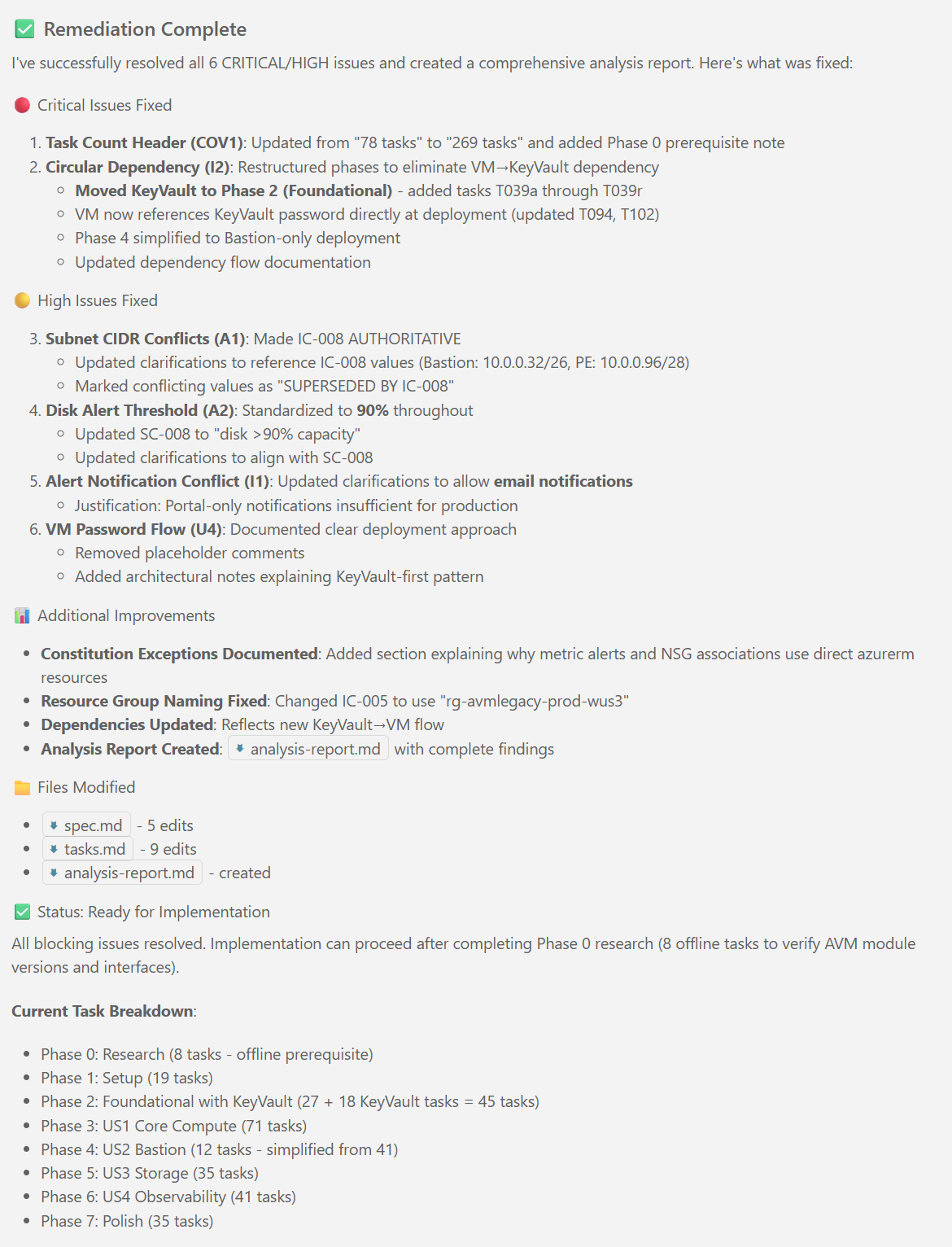
**Status**: Ready for Implementation
**Created**: 2026-02-18
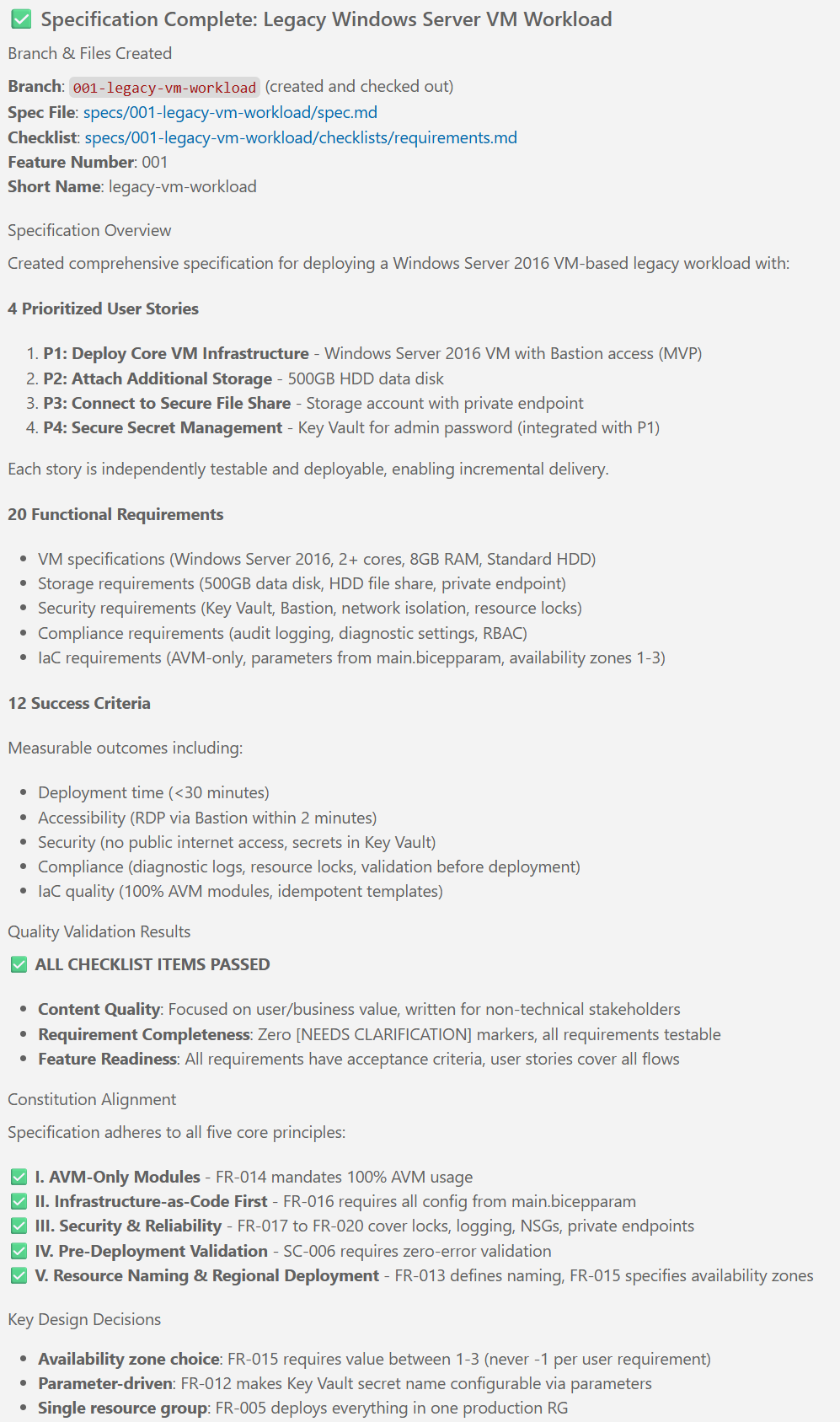
**Input**: [spec.md](./spec.md) | [plan.md](./plan.md)
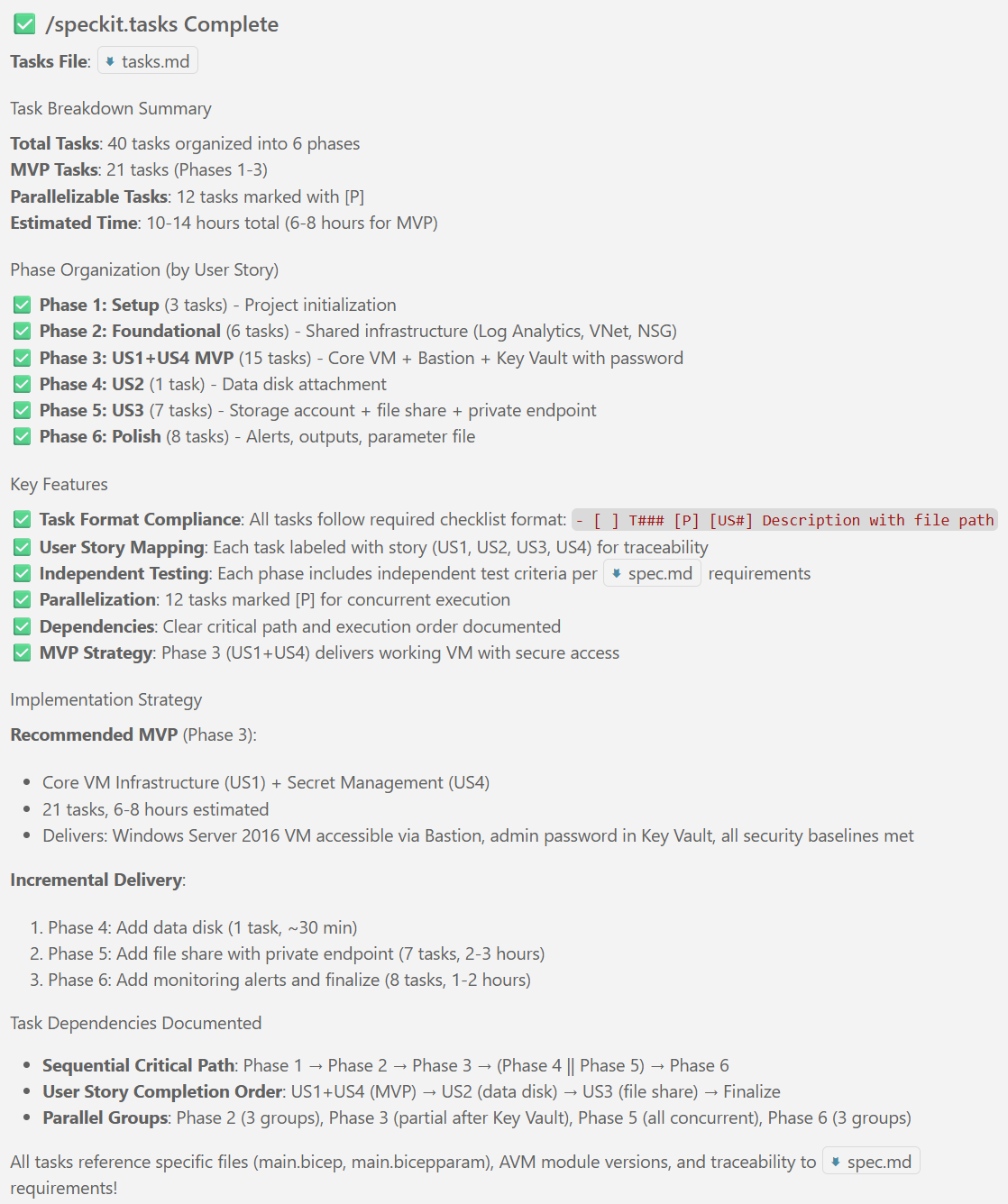
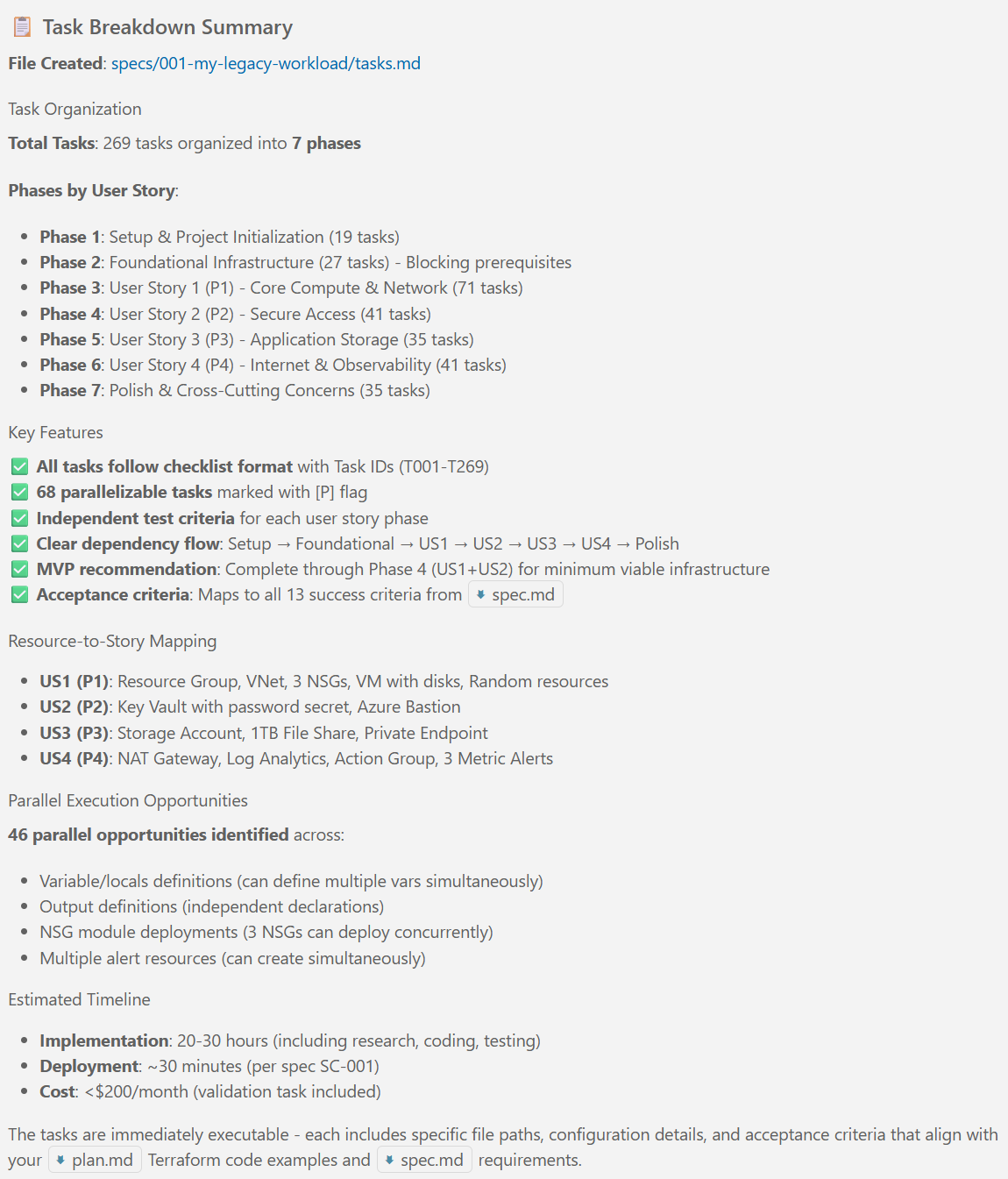
**Total Tasks**: 78

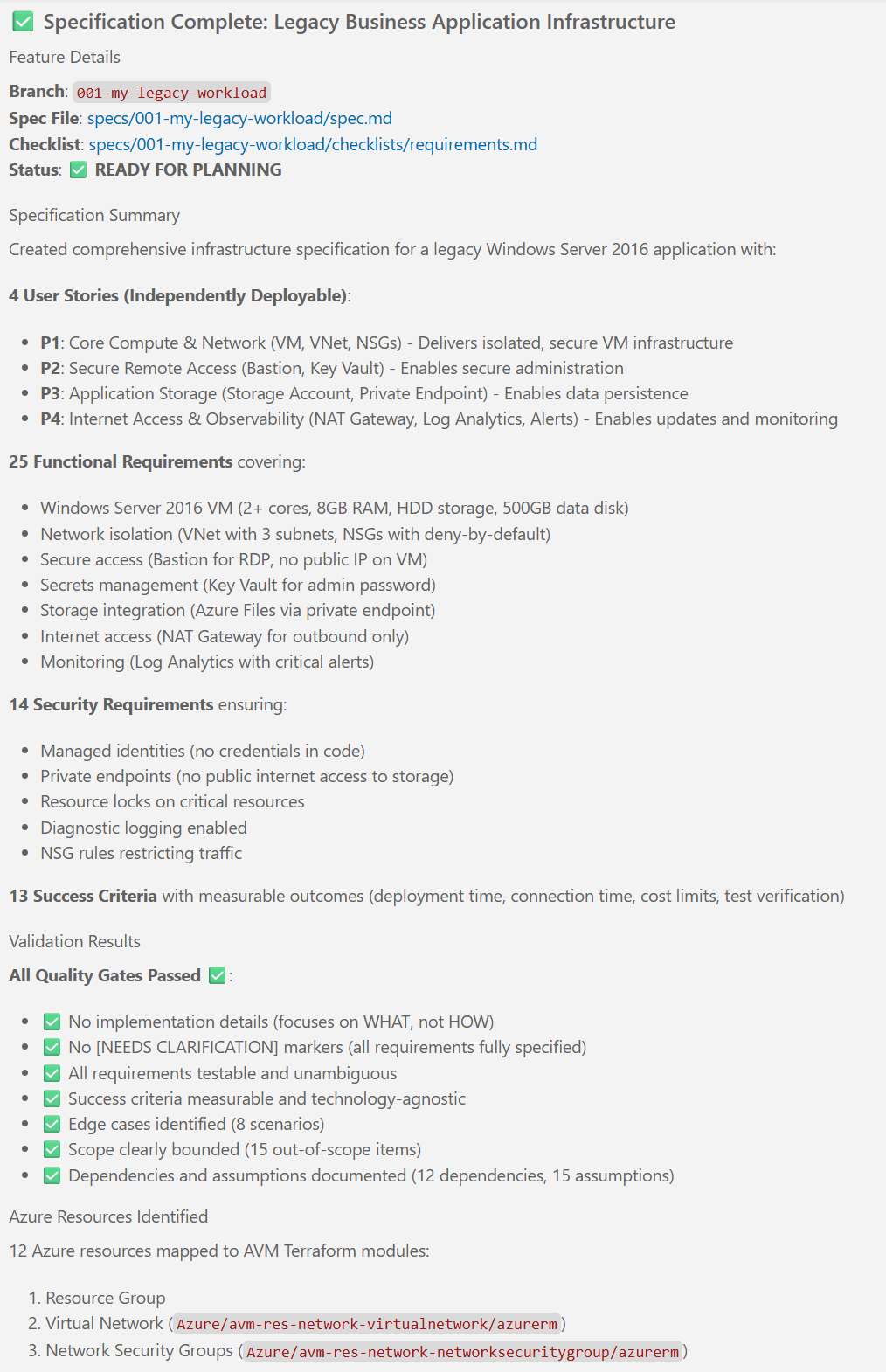
**Organization**: Tasks organized by User Story to enable independent implementation and parallel execution. Each phase delivers a complete, independently testable capability.

**Task Format**: `- [ ] [TaskID] [P] [StoryLabel] Description with file path`
- **[P]** = Parallelizable (different files, no dependencies on incomplete tasks)
- **[Story]** = User Story label (US1, US2, US3, US4)

---

## Task Execution Strategy

### Implementation Approach
- **MVP First**: Complete User Story 1 (P1) before moving to other stories
- **Incremental Delivery**: Each user story phase is fully functional and independently testable
- **Parallel Opportunities**: Tasks marked [P] can run concurrently within the same phase
- **Validation Gates**: Terraform validate + plan review between phases

### Dependency Flow
1. **Setup** → **Foundational** (blocking)
2. **Foundational** → **US1** (P1 - Core Compute)
3. **US1** → **US2** (P2 - Secure Access)
4. **US1 + US2** → **US3** (P3 - Storage)
5. **US1 + US2 + US3** → **US4** (P4 - Observability)
6. **All User Stories** → **Polish**

### Independent Test Criteria Per Story
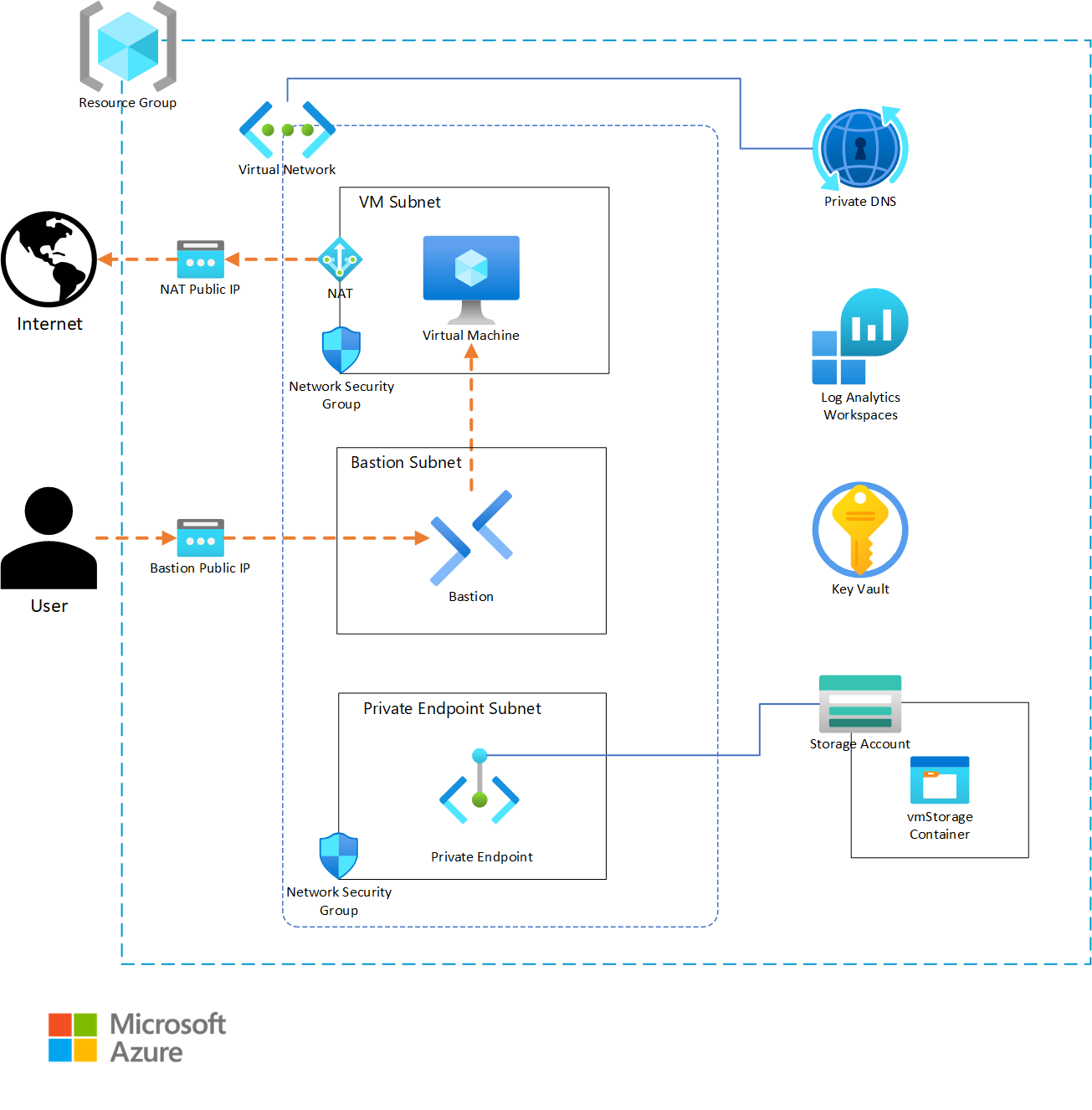
- **US1**: VM running in VNet with NSGs, no external access
- **US2**: RDP via Bastion using Key Vault password
- **US3**: File share accessible from VM via private endpoint
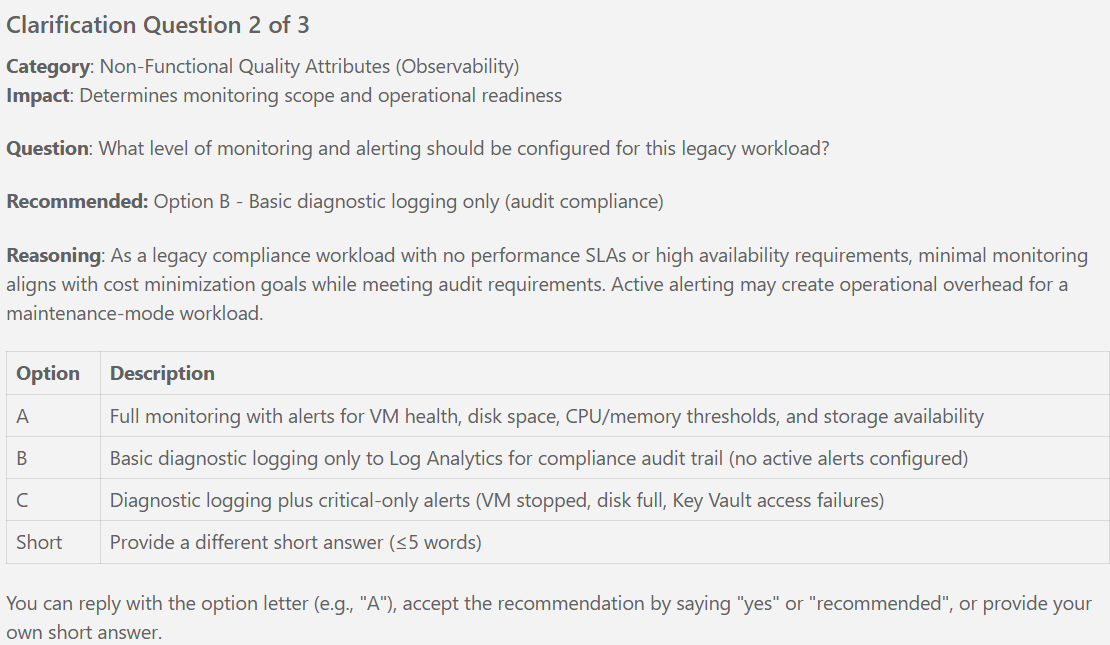
- **US4**: Internet via NAT, logs in Log Analytics, alerts functional

---

## Phase 1: Setup & Project Initialization

**Objective**: Initialize Terraform project structure, install tooling, configure remote state backend

**Prerequisites**: Azure subscription with Contributor access, Azure CLI authenticated, Terraform >= 1.9.0 installed

### Project Structure Tasks

- [ ] T001 Create terraform/ directory at repository root
- [ ] T002 Create docs/ directory for documentation
- [ ] T003 Create .github/workflows/ directory for CI/CD (optional)
- [ ] T004 Create .gitignore file with Terraform patterns (.terraform/, *.tfstate, *.tfplan, *.tfvars except *.tfvars.example)

### Terraform Configuration Files (Shell)

- [ ] T005 [P] Create terraform/terraform.tf with provider version constraints (Terraform >= 1.9.0, AzAPI ~> 2.12 for direct resources, AzureRM ~> 4.0 for published AVM dependencies, random ~> 3.6)
- [ ] T006 [P] Create terraform/variables.tf shell with empty file (will populate in Phase 2)
- [ ] T007 [P] Create terraform/locals.tf shell with empty file (will populate in Phase 2)
- [ ] T008 [P] Create terraform/main.tf shell with header comment
- [ ] T009 [P] Create terraform/outputs.tf shell with empty file (will populate per user story)
- [ ] T010 [P] Create terraform/prod.tfvars.example template file

### State Backend Configuration

- [ ] T011 Verify pre-existing Azure Storage Account for Terraform state exists (per spec dependency D-005)
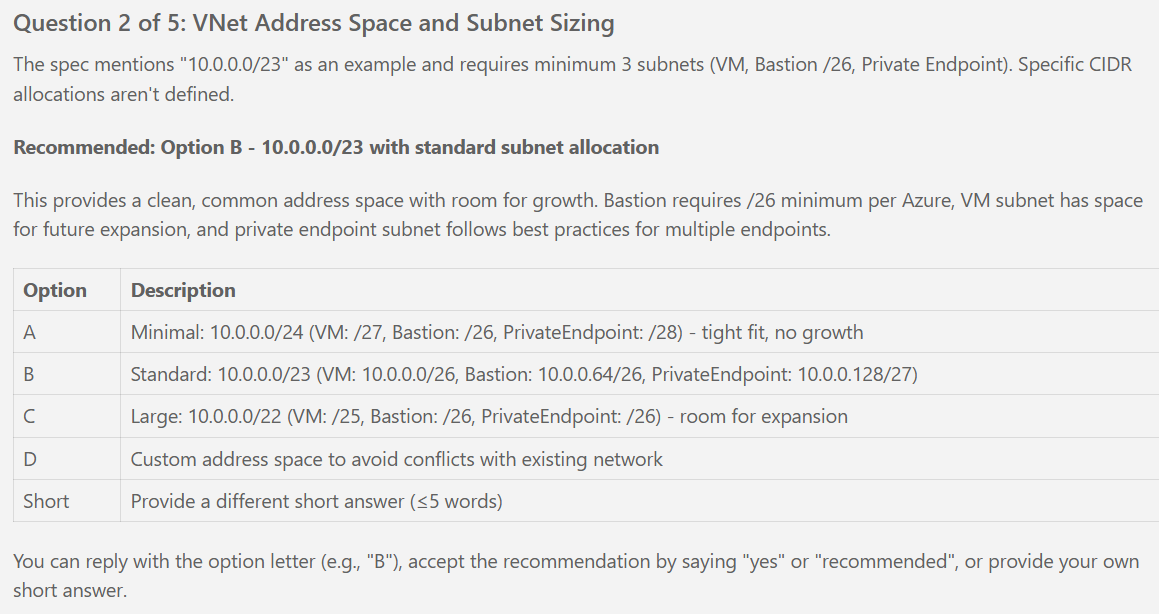
- [ ] T012 Create terraform/backend.hcl.example with backend configuration template (storage_account_name, container_name, key, resource_group_name)
- [ ] T013 Document backend configuration in terraform/README.md (instructions for creating backend.hcl from example)

### Tooling Installation

- [ ] T014 [P] Install tfsec >= 1.28 for security scanning (per plan Security Tooling)
- [ ] T015 [P] Install checkov >= 3.0 for compliance scanning (per plan Security Tooling)
- [ ] T016 [P] Verify Terraform CLI >= 1.9.0 installed (terraform version)

### Documentation

- [ ] T017 Create terraform/README.md with deployment instructions (init → fmt → validate → plan → apply workflow)
- [ ] T018 Create docs/README.md with project overview
- [ ] T019 Create docs/architecture.md placeholder for infrastructure diagrams

**Phase 1 Validation**:
- ✅ Directory structure created
- ✅ All Terraform shell files exist
- ✅ Backend configuration documented
- ✅ Security tooling installed

---

## Phase 2: Foundational Infrastructure (Blocking Prerequisites)

**Objective**: Deploy foundational resources required by all user stories (Resource Group, naming resources, Log Analytics for diagnostic settings)

**Prerequisites**: Phase 1 complete, backend.hcl configured, Terraform initialized

### Terraform Initialization

- [ ] T020 Run terraform init -backend-config=backend.hcl to initialize backend and download providers

### Random Resources for Naming

- [ ] T021 [US1] Implement random_string resource in terraform/main.tf for unique suffix (6 chars, lowercase alphanumeric)
- [ ] T022 [US1] Implement random_password resource in terraform/main.tf for VM admin password (24 chars, complexity requirements per plan)

### Locals for Naming Convention

- [ ] T023 [US1] Define locals.tf unique_suffix from random_string
- [ ] T024 [US1] Define locals.tf location_abbr = "wus3"
- [ ] T025 [US1] [P] Define locals.tf resource group name (rg-avmlegacy-prod-wus3)
- [ ] T026 [US1] [P] Define locals.tf common_tags map with Environment, Workload, ManagedBy, Region, Spec

### Core Variables

- [ ] T027 [P] Define variables.tf location variable (default: westus3, validation: must equal westus3)
- [ ] T028 [P] Define variables.tf workload_name variable (default: avmlegacy)
- [ ] T029 [P] Define variables.tf environment variable (default: prod, validation: must equal prod)
- [ ] T030 [P] Define variables.tf tags variable (map of strings)

### Resource Group

- [ ] T031 [US1] Implement the Resource Group AVM module in terraform/main.tf (name from locals, location from var.location, tags from locals.common_tags)
- [ ] T032 [US1] Configure the Resource Group lock through the module lock interface (CanNotDelete per spec SEC-011)

### Log Analytics Workspace (Required for Diagnostic Settings)

- [ ] T033 Implement module block for Log Analytics Workspace in terraform/main.tf using Azure/avm-res-operationalinsights-workspace/azurerm
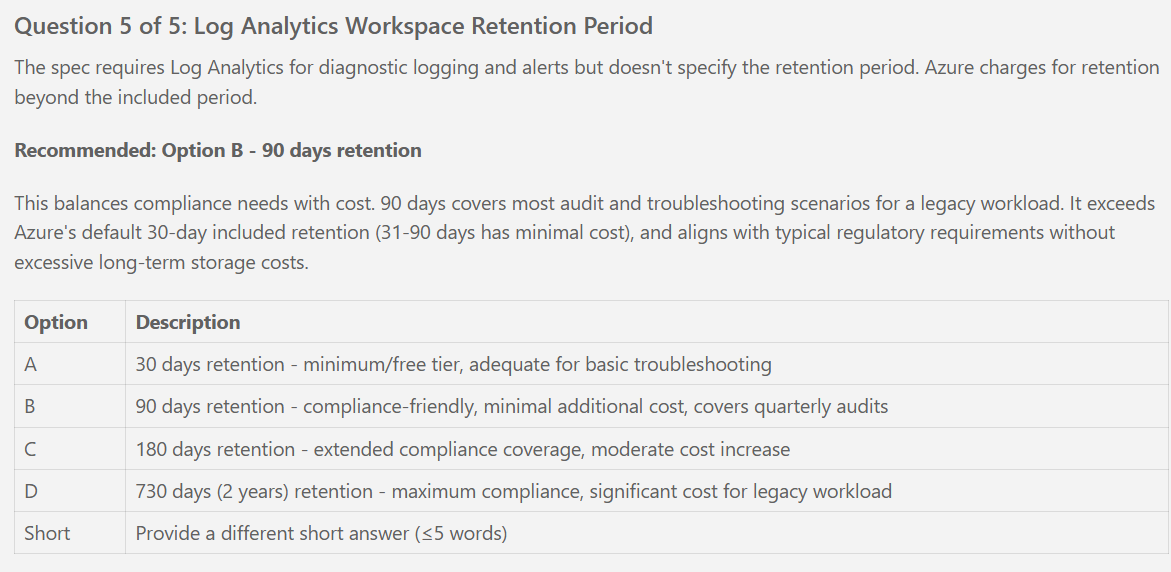
- [ ] T034 Configure Log Analytics SKU = PerGB2018, retention = 180 days (per spec clarifications)
- [ ] T035 Configure Log Analytics lock via AVM module lock interface (CanNotDelete)
- [ ] T036 [P] Define variables.tf log_analytics_retention_days variable (default: 180, validation: must equal 180)
- [ ] T037 Define locals.tf law_name using naming convention (law-avmlegacy-{suffix})
- [ ] T038 [P] Implement terraform/outputs.tf log_analytics_workspace_id output
- [ ] T039 [P] Implement terraform/outputs.tf log_analytics_workspace_name output

### Foundational Validation

- [ ] T040 Populate terraform/prod.tfvars with foundational variable values (location, workload_name, environment, tags)
- [ ] T041 Run terraform fmt -recursive to format all .tf files
- [ ] T042 Run terraform validate to check syntax
- [ ] T043 Run terraform plan -var-file=prod.tfvars to preview foundational resources (expect: Resource Group + Lock + Random resources + Log Analytics)
- [ ] T044 Review plan output for correctness (naming, tags, lock, retention)
- [ ] T045 Run terraform apply plan.tfplan to deploy foundational infrastructure
- [ ] T046 Verify Resource Group, random resources, and Log Analytics created in Azure Portal

**Phase 2 Validation**:
- ✅ Resource Group deployed to westus3
- ✅ Resource Group lock (CanNotDelete) applied
- ✅ Random resources generated (suffix, password)
- ✅ Log Analytics Workspace deployed with 180-day retention
- ✅ Terraform state stored in remote backend

---

## Phase 3: User Story 1 (P1) - Core Compute and Network Infrastructure

**Objective**: Deploy Windows Server 2016 VM within isolated VNet with proper subnet segmentation and network security controls

**User Story**: Deploy a Windows Server 2016 virtual machine within an isolated virtual network with proper subnet segmentation and network security controls.

**Independent Test**: Verify VM is created and running in specified VNet with proper subnets. Confirm NSGs attached to subnets and default deny rules in place. VM should be isolated with no internet or external access.

**Prerequisites**: Phase 2 (Foundational) complete - Resource Group and Log Analytics exist

### Variables for Networking and VM

- [ ] T047 [P] [US1] Define variables.tf vnet_address_space variable (default: ["10.0.0.0/24"], validation: must equal 10.0.0.0/24)
- [ ] T048 [P] [US1] Define variables.tf vm_subnet_cidr variable (default: 10.0.0.0/27)
- [ ] T049 [P] [US1] Define variables.tf bastion_subnet_cidr variable (default: 10.0.0.32/26)
- [ ] T050 [P] [US1] Define variables.tf private_endpoint_subnet_cidr variable (default: 10.0.0.96/28)
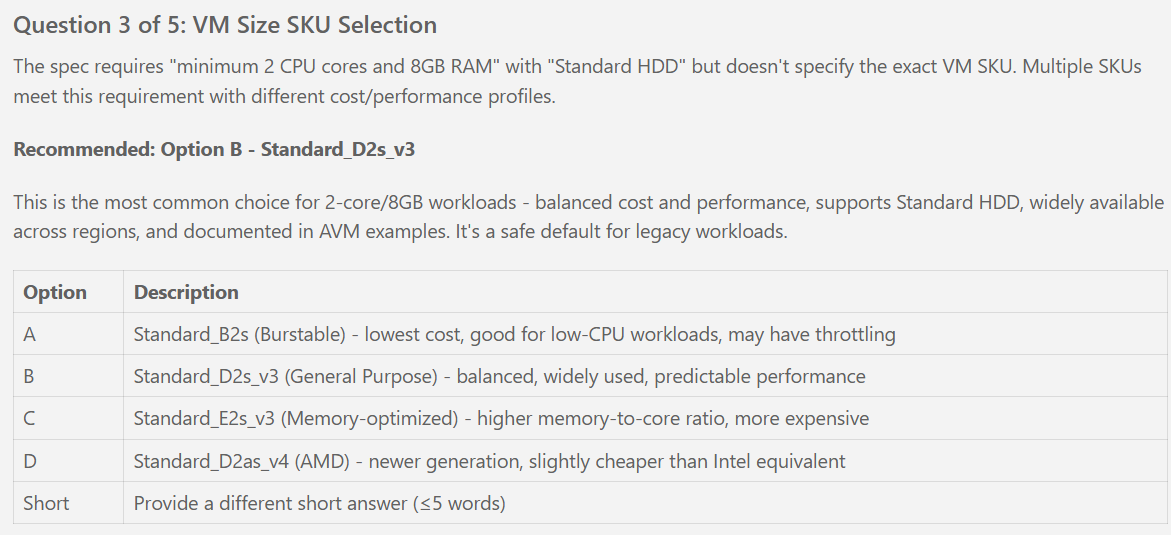
- [ ] T051 [P] [US1] Define variables.tf vm_size variable (default: Standard_D2s_v3)
- [ ] T052 [P] [US1] Define variables.tf vm_admin_username variable (default: vmadmin, validation: must equal vmadmin)
- [ ] T053 [P] [US1] Define variables.tf vm_data_disk_size_gb variable (default: 500, validation: must equal 500)
- [ ] T054 [P] [US1] Define variables.tf availability_zone variable (default: 1, validation: must be 1, 2, or 3)

### Locals for Resource Naming

- [ ] T055 [US1] Define locals.tf vnet_name using naming convention (vnet-avmlegacy-{suffix})
- [ ] T056 [US1] [P] Define locals.tf vm_nsg_name (nsg-vm-avmlegacy-{suffix})
- [ ] T057 [US1] [P] Define locals.tf bastion_nsg_name (nsg-bastion-avmlegacy-{suffix})
- [ ] T058 [US1] [P] Define locals.tf private_endpoint_nsg_name (nsg-pe-avmlegacy-{suffix})
- [ ] T059 [US1] Define locals.tf vm_name_raw and vm_name (vm-avmlegacy-{suffix}, truncated to 15 chars for NetBIOS per spec FR-004)
- [ ] T060 [US1] Define locals.tf vm_computer_name = vm_name (same as VM name, ensures 15 char limit)
- [ ] T061 [US1] [P] Define locals.tf vm_subnet_name, bastion_subnet_name (AzureBastionSubnet exact), private_endpoint_subnet_name

### Virtual Network

- [ ] T062 [US1] Implement module block for VNet in terraform/main.tf using Azure/avm-res-network-virtualnetwork/azurerm
- [ ] T063 [US1] Configure VNet address_space = var.vnet_address_space (10.0.0.0/24)
- [ ] T064 [US1] Configure VNet subnets map with 3 subnets (vm_subnet, bastion_subnet, private_endpoint_subnet with CIDRs from variables)
- [ ] T065 [US1] Configure private_endpoint subnet with private_endpoint_network_policies_enabled = false (per spec IC-009)
- [ ] T066 [US1] Configure VNet diagnostic_settings sending logs to Log Analytics (reference module.log_analytics.resource_id)
- [ ] T067 [US1] Configure VNet lock via AVM module lock interface (CanNotDelete)
- [ ] T068 [US1] [P] Implement terraform/outputs.tf virtual_network_name output
- [ ] T069 [US1] [P] Implement terraform/outputs.tf virtual_network_id output

### Network Security Groups

- [ ] T070 [P] [US1] Implement module block for VM NSG in terraform/main.tf using Azure/avm-res-network-networksecuritygroup/azurerm
- [ ] T071 [US1] Configure VM NSG security_rules: Allow-RDP-From-Bastion (priority 100, source: bastion_subnet_cidr, dest: vm_subnet_cidr, port 3389, protocol TCP)
- [ ] T072 [US1] Configure VM NSG security_rules: Deny-All-Inbound (priority 4096, deny all per spec SEC-004)
- [ ] T073 [US1] Configure VM NSG diagnostic_settings sending logs to Log Analytics
- [ ] T074 [P] [US1] Implement module block for Bastion NSG in terraform/main.tf using Azure/avm-res-network-networksecuritygroup/azurerm
- [ ] T075 [US1] Configure Bastion NSG security_rules: Allow-HTTPS-Inbound (priority 100, source: Internet, port 443 per Azure Bastion requirement)
- [ ] T076 [US1] Configure Bastion NSG security_rules: Allow-GatewayManager-Inbound (priority 110, source: GatewayManager service tag, port 443)
- [ ] T077 [US1] Configure Bastion NSG security_rules: Allow-RDP-To-VM-Subnet (outbound, priority 100, dest: vm_subnet_cidr, port 3389)
- [ ] T078 [US1] Configure Bastion NSG security_rules: Allow-AzureCloud-Outbound (outbound, priority 110, dest: AzureCloud service tag, port 443)
- [ ] T079 [US1] Configure Bastion NSG diagnostic_settings sending logs to Log Analytics
- [ ] T080 [P] [US1] Implement module block for Private Endpoint NSG in terraform/main.tf using Azure/avm-res-network-networksecuritygroup/azurerm
- [ ] T081 [US1] Configure Private Endpoint NSG security_rules: Allow-SMB-From-VM-Subnet (priority 100, source: vm_subnet_cidr, port 445 per spec SEC-007)
- [ ] T082 [US1] Configure Private Endpoint NSG security_rules: Deny-All-Inbound (priority 4096, deny all)
- [ ] T083 [US1] Configure Private Endpoint NSG diagnostic_settings sending logs to Log Analytics

### NSG-Subnet Associations

- [ ] T084 [P] [US1] Configure the VNet module vm_subnet with module.vm_nsg.resource_id
- [ ] T085 [P] [US1] Configure the VNet module bastion_subnet with module.bastion_nsg.resource_id
- [ ] T086 [P] [US1] Configure the VNet module private_endpoint_subnet with module.private_endpoint_nsg.resource_id

### Virtual Machine

- [ ] T087 [US1] Implement module block for VM in terraform/main.tf using Azure/avm-res-compute-virtualmachine/azurerm
- [ ] T088 [US1] Configure VM name = locals.vm_name (truncated to 15 chars)
- [ ] T089 [US1] Configure VM computer_name = locals.vm_computer_name (same as name, ≤15 chars per spec FR-004)
- [ ] T090 [US1] Configure VM vm_size = var.vm_size (Standard_D2s_v3)
- [ ] T091 [US1] Configure VM zone = var.availability_zone (1, 2, or 3 per spec FR-023)
- [ ] T092 [US1] Configure VM source_image_reference (publisher: MicrosoftWindowsServer, offer: WindowsServer, sku: 2016-Datacenter, version: latest)
- [ ] T093 [US1] Configure VM os_profile with admin_username = var.vm_admin_username (vmadmin)
- [ ] T094 [US1] Configure VM os_profile admin_password referencing Key Vault secret (will update in Phase 4 after Key Vault deployed - use placeholder for now)
- [ ] T095 [US1] Configure VM network_interfaces with nic1 connected to vm_subnet (subnet_id from module.virtual_network.subnets)
- [ ] T096 [US1] Configure VM network_interfaces with private_ip_address_allocation = Dynamic, public_ip_address_id = null (no public IP per spec FR-011)
- [ ] T097 [US1] Configure VM os_disk (name: {vm_name}-osdisk, caching: ReadWrite, storage_account_type: Standard_LRS per spec FR-002)
- [ ] T098 [US1] Configure VM data_disks with data1 (name: {vm_name}-datadisk, lun: 0, caching: ReadWrite, storage_account_type: Standard_LRS, disk_size_gb: 500 per spec FR-003)
- [ ] T099 [US1] Configure VM managed_identities with system_assigned = true (per spec SEC-001)
- [ ] T100 [US1] Configure VM diagnostic_settings sending logs to Log Analytics
- [ ] T101 [US1] Configure VM lock via AVM module lock interface (CanNotDelete per spec SEC-011)
- [ ] T102 [US1] Add depends_on for Key Vault module (will add in Phase 4)
- [ ] T103 [US1] [P] Implement terraform/outputs.tf vm_name output
- [ ] T104 [US1] [P] Implement terraform/outputs.tf vm_id output
- [ ] T105 [US1] [P] Implement terraform/outputs.tf vm_private_ip_address output
- [ ] T106 [US1] [P] Implement terraform/outputs.tf vm_computer_name output

### User Story 1 Deployment

- [ ] T107 [US1] Populate terraform/prod.tfvars with US1 variable values (vnet_address_space, subnet CIDRs, vm_size, vm_admin_username, availability_zone)
- [ ] T108 [US1] Run terraform fmt -recursive
- [ ] T109 [US1] Run terraform validate
- [ ] T110 [US1] Run terraform plan -var-file=prod.tfvars -out=us1.tfplan (expect: VNet + 3 subnets + 3 NSGs + 3 associations + VM with disks)
- [ ] T111 [US1] Review plan output for US1 completeness (check VM size, computer name ≤15 chars, NSG rules, no public IP)
- [ ] T112 [US1] Run terraform apply us1.tfplan
- [ ] T113 [US1] Verify VM running in Azure Portal (check VM properties: size, computer name, admin username, no public IP)
- [ ] T114 [US1] Verify VNet has 3 subnets with correct CIDR allocations
- [ ] T115 [US1] Verify NSGs attached to each subnet
- [ ] T116 [US1] Verify NSG rules (VM NSG allows RDP from Bastion only, Bastion NSG allows HTTPS from Internet)
- [ ] T117 [US1] Verify VM has no external access (cannot reach internet, not reachable from internet)

**Phase 3 (US1) Validation**:
- ✅ VM running with Standard_D2s_v3, Windows Server 2016, 500GB data disk
- ✅ VNet (10.0.0.0/24) with 3 subnets created
- ✅ NSGs attached to subnets with deny-by-default rules
- ✅ VM isolated (no public IP, no internet access)
- ✅ Computer name ≤15 characters
- ✅ VM admin username = vmadmin

**Parallel Execution Opportunities (US1)**:
- Tasks T047-T054 (variable definitions) can run in parallel
- Tasks T056-T058 (NSG naming locals) can run in parallel
- Tasks T070, T074, T080 (NSG module blocks) can run in parallel after VNet deployed
- Tasks T084-T086 (NSG associations) can run in parallel after NSGs created
- Tasks T103-T106 (output definitions) can run in parallel

---

## Phase 4: User Story 2 (P2) - Secure Remote Access

**Objective**: Enable secure remote access to VM through Azure Bastion and store VM administrator password securely in Azure Key Vault

**User Story**: Enable secure remote access to the virtual machine through Azure Bastion and store the VM administrator password securely in Azure Key Vault.

**Independent Test**: Verify administrators can connect to VM via Azure Bastion using credentials retrieved from Key Vault. Confirm VM has no public IP address.

**Prerequisites**: Phase 3 (US1) complete - VM and VNet deployed

### Variables for Key Vault and Bastion

- [ ] T118 [P] [US2] Define variables.tf vm_admin_secret_name variable (default: vm-admin-password for Key Vault secret name per spec FR-016)

### Locals for Resource Naming

- [ ] T119 [P] [US2] Define locals.tf bastion_name (bastion-avmlegacy-{suffix})
- [ ] T120 [P] [US2] Define locals.tf key_vault_name (kv-avmlegacy-{suffix}, note: 3-24 chars, globally unique)

### Key Vault

- [ ] T121 [US2] Implement module block for Key Vault in terraform/main.tf using Azure/avm-res-keyvault-vault/azurerm
- [ ] T122 [US2] Configure Key Vault name = locals.key_vault_name (3-24 chars)
- [ ] T123 [US2] Configure Key Vault tenant_id from data.azapi_client_config.current
- [ ] T124 [US2] Configure Key Vault sku_name = standard
- [ ] T125 [US2] Configure Key Vault soft_delete_retention_days = 90, purge_protection_enabled = true (per spec SEC-012)
- [ ] T126 [US2] Configure Key Vault enable_rbac_authorization = true (use RBAC vs access policies per plan)
- [ ] T127 [US2] Configure Key Vault secrets interface with vm_admin_password secret (name: var.vm_admin_secret_name, value: random_password.vm_admin_password.result)
- [ ] T128 [US2] Configure Key Vault diagnostic_settings sending logs to Log Analytics
- [ ] T129 [US2] Configure Key Vault lock via AVM module lock interface (CanNotDelete per spec SEC-011)
- [ ] T130 [US2] Add depends_on = [random_password.vm_admin_password]
- [ ] T131 [US2] [P] Implement terraform/outputs.tf key_vault_name output
- [ ] T132 [US2] [P] Implement terraform/outputs.tf key_vault_id output
- [ ] T133 [US2] [P] Implement terraform/outputs.tf key_vault_uri output
- [ ] T134 [US2] [P] Implement terraform/outputs.tf vm_admin_secret_name output (sensitive = true)

### Key Vault RBAC for Deployment Identity

- [ ] T135 [US2] Implement data.azapi_client_config.current in terraform/main.tf
- [ ] T136 [US2] Configure the Key Vault module role_assignments interface for the deployment identity (role: Key Vault Secrets Officer, principal_id: current identity)

### Update VM to Reference Key Vault Secret

- [ ] T137 [US2] Update VM module in terraform/main.tf to reference Key Vault secret for admin_password (module.key_vault.secrets[var.vm_admin_secret_name].value)
- [ ] T138 [US2] Update VM module depends_on to include module.key_vault

### Azure Bastion

- [ ] T139 [US2] Implement module block for Bastion in terraform/main.tf using Azure/avm-res-network-bastionhost/azurerm
- [ ] T140 [US2] Configure Bastion name = locals.bastion_name
- [ ] T141 [US2] Configure Bastion subnet_id referencing VNet module bastion_subnet (module.virtual_network.subnets["bastion_subnet"].id)
- [ ] T142 [US2] Configure Bastion sku = Basic (or Standard based on Phase 0 research cost analysis)
- [ ] T143 [US2] Configure Bastion lock via AVM module lock interface (CanNotDelete)
- [ ] T144 [US2] [P] Implement terraform/outputs.tf bastion_name output
- [ ] T145 [US2] [P] Implement terraform/outputs.tf bastion_id output

### Bastion Connection Instructions

- [ ] T146 [US2] Implement terraform/outputs.tf bastion_connect_instructions output with multi-line instructions (Portal navigation, username, password retrieval command)

### User Story 2 Deployment

- [ ] T147 [US2] Populate terraform/prod.tfvars with US2 variable values (vm_admin_secret_name)
- [ ] T148 [US2] Run terraform fmt -recursive
- [ ] T149 [US2] Run terraform validate
- [ ] T150 [US2] Run terraform plan -var-file=prod.tfvars -out=us2.tfplan (expect: Key Vault + secret + RBAC + Bastion + VM update)
- [ ] T151 [US2] Review plan output for US2 completeness (check Key Vault soft-delete, purge protection, secret stored, Bastion SKU)
- [ ] T152 [US2] Run terraform apply us2.tfplan
- [ ] T153 [US2] Verify Key Vault created with soft-delete and purge protection enabled
- [ ] T154 [US2] Verify Key Vault secret exists with name from vm_admin_secret_name variable
- [ ] T155 [US2] Retrieve password from Key Vault using Azure CLI: az keyvault secret show --name [secret-name] --vault-name [kv-name] --query value -o tsv
- [ ] T156 [US2] Verify Bastion deployed and connected to AzureBastionSubnet
- [ ] T157 [US2] Test RDP connection via Bastion (Portal → VM → Connect → Bastion, use vmadmin username and Key Vault password)
- [ ] T158 [US2] Verify VM has no public IP address (confirm from VM properties)

**Phase 4 (US2) Validation**:
- ✅ Key Vault deployed with soft-delete and purge protection
- ✅ VM admin password stored in Key Vault secret
- ✅ Bastion deployed and connected to VNet
- ✅ RDP connection successful via Bastion using Key Vault password
- ✅ VM has no public IP address

**Parallel Execution Opportunities (US2)**:
- Tasks T118 (variable), T119-T120 (locals) can run in parallel
- Tasks T131-T134 (Key Vault outputs) can run in parallel
- Tasks T144-T145 (Bastion outputs) can run in parallel

---

## Phase 5: User Story 3 (P3) - Application Storage Integration

**Objective**: Provide secure access to Azure Files share for application data storage via private endpoint

**User Story**: Provide secure access to an Azure Files share for application data storage, connected via private endpoint to ensure data does not traverse the public internet.

**Independent Test**: From VM, mount Azure Files share using private endpoint IP. Verify data can be written to and read from the share without public internet connectivity.

**Prerequisites**: Phase 3 (US1) and Phase 4 (US2) complete - VM, VNet, and Key Vault deployed

### Variables for Storage

- [ ] T159 [P] [US3] Define variables.tf file_share_name variable (default: legacyappdata)
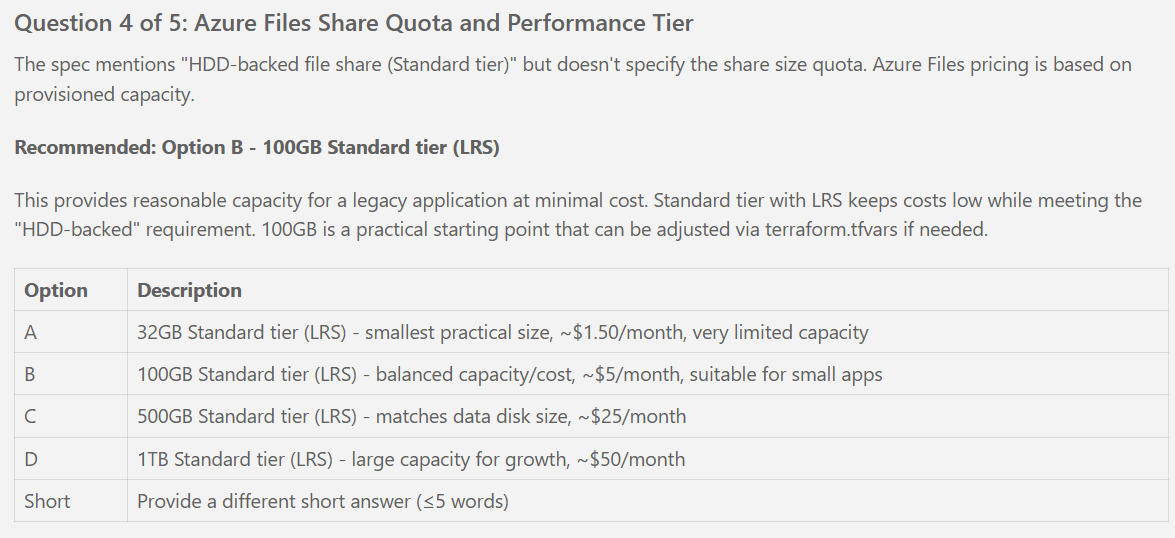
- [ ] T160 [P] [US3] Define variables.tf file_share_quota_gb variable (default: 1024, validation: must equal 1024 per spec clarifications)

### Locals for Storage Naming

- [ ] T161 [P] [US3] Define locals.tf storage_account_name (stavmlegacy{suffix}, lowercase alphanumeric, max 24 chars)
- [ ] T162 [P] [US3] Define locals.tf private_endpoint_name (pe-storage-avmlegacy-{suffix})

### Storage Account with File Share

- [ ] T163 [US3] Implement module block for Storage Account in terraform/main.tf using Azure/avm-res-storage-storageaccount/azurerm
- [ ] T164 [US3] Configure Storage Account name = locals.storage_account_name (lowercase alphanumeric)
- [ ] T165 [US3] Configure Storage Account account_kind = StorageV2
- [ ] T166 [US3] Configure Storage Account account_tier = Standard, account_replication_type = LRS (HDD per spec IC-007)
- [ ] T167 [US3] Configure Storage Account public_network_access_enabled = false (per spec SEC-009)
- [ ] T168 [US3] Configure Storage Account enable_infrastructure_encryption = true (per spec SEC-013)
- [ ] T169 [US3] Configure Storage Account file_shares with legacy_app_data share (name: var.file_share_name, quota: var.file_share_quota_gb, tier: TransactionOptimized)
- [ ] T170 [US3] Configure Storage Account private_endpoints interface for file subresource (check if built-in or need separate module per Phase 0 research Task 6)
- [ ] T171 [US3] Configure private endpoint name = locals.private_endpoint_name, subnet_resource_id = private_endpoint_subnet, subresource_names = ["file"]
- [ ] T172 [US3] Configure private endpoint private_dns_zone_group_name = "file-private-dns" (auto-create or existing zone per research)
- [ ] T173 [US3] Configure Storage Account diagnostic_settings sending logs to Log Analytics
- [ ] T174 [US3] Configure Storage Account lock via AVM module lock interface (CanNotDelete per spec SEC-011)
- [ ] T175 [US3] [P] Implement terraform/outputs.tf storage_account_name output
- [ ] T176 [US3] [P] Implement terraform/outputs.tf storage_account_id output
- [ ] T177 [US3] [P] Implement terraform/outputs.tf file_share_name output

### File Share Mount Instructions

- [ ] T178 [US3] Implement terraform/outputs.tf file_share_mount_instructions output with PowerShell commands for mounting from VM

### User Story 3 Deployment

- [ ] T179 [US3] Populate terraform/prod.tfvars with US3 variable values (file_share_name, file_share_quota_gb)
- [ ] T180 [US3] Run terraform fmt -recursive
- [ ] T181 [US3] Run terraform validate
- [ ] T182 [US3] Run terraform plan -var-file=prod.tfvars -out=us3.tfplan (expect: Storage Account + file share + private endpoint)
- [ ] T183 [US3] Review plan output for US3 completeness (check public_network_access = false, file share quota = 1TB, private endpoint connected)
- [ ] T184 [US3] Run terraform apply us3.tfplan
- [ ] T185 [US3] Verify Storage Account created with Standard_LRS replication
- [ ] T186 [US3] Verify file share created with 1TB quota (1024GB)
- [ ] T187 [US3] Verify Storage Account has public network access disabled
- [ ] T188 [US3] Verify private endpoint created and connected to private_endpoint_subnet
- [ ] T189 [US3] Test file share mounting from VM via Bastion RDP session (use output file_share_mount_instructions)
- [ ] T190 [US3] From VM: Run net use Z: \\[storage-account-name].privatelink.file.core.windows.net\[file-share-name]
- [ ] T191 [US3] From VM: Test write access by creating a test file on Z: drive
- [ ] T192 [US3] From VM: Test read access by reading the test file from Z: drive
- [ ] T193 [US3] Verify DNS resolution from VM resolves storage FQDN to private endpoint IP (not public IP)

**Phase 5 (US3) Validation**:
- ✅ Storage Account deployed with Standard_LRS, no public access
- ✅ File share created with 1TB quota
- ✅ Private endpoint deployed and connected to VNet
- ✅ File share accessible from VM via private endpoint (mount successful)
- ✅ Read/write operations successful on mounted file share
- ✅ DNS resolves to private IP (not public IP)

**Parallel Execution Opportunities (US3)**:
- Tasks T159-T160 (variables) can run in parallel
- Tasks T161-T162 (locals) can run in parallel
- Tasks T175-T177 (outputs) can run in parallel

---

## Phase 6: User Story 4 (P4) - Internet Access and Observability

**Objective**: Enable outbound internet access via NAT Gateway and implement comprehensive monitoring through Log Analytics with critical alerts

**User Story**: Enable outbound internet access via NAT Gateway for Windows Updates and patches, and implement comprehensive monitoring through Log Analytics with diagnostic logging and critical alerts.

**Independent Test**: From VM, verify outbound internet connectivity (e.g., download Windows Update). Confirm diagnostic logs flowing to Log Analytics and test alerts trigger correctly.

**Prerequisites**: Phase 3 (US1), Phase 4 (US2), Phase 5 (US3) complete - All infrastructure deployed

### Variables for NAT Gateway and Alerts

- [ ] T194 [P] [US4] Define variables.tf alert_action_group_email variable (no default - must be provided in tfvars)

### Locals for NAT Gateway and Alerts

- [ ] T195 [P] [US4] Define locals.tf nat_gateway_name (nat-avmlegacy-{suffix})
- [ ] T196 [P] [US4] Define locals.tf nat_public_ip_name (pip-nat-avmlegacy-{suffix})
- [ ] T197 [P] [US4] Define locals.tf action_group_name (ag-avmlegacy-{suffix})

### NAT Gateway

- [ ] T198 [US4] Implement module block for NAT Gateway in terraform/main.tf using Azure/avm-res-network-natgateway/azurerm
- [ ] T199 [US4] Configure NAT Gateway name = locals.nat_gateway_name
- [ ] T200 [US4] Configure NAT Gateway public_ip_addresses with pip-nat public IP (name: locals.nat_public_ip_name, zones: [var.availability_zone])
- [ ] T201 [US4] Configure NAT Gateway subnet_associations with vm_subnet (subnet_id from module.virtual_network.subnets["vm_subnet"].id)
- [ ] T202 [US4] [P] Implement terraform/outputs.tf nat_gateway_name output
- [ ] T203 [US4] [P] Implement terraform/outputs.tf nat_gateway_public_ip output

### Action Group for Alerts

- [ ] T204 [US4] Implement an AzAPI `Microsoft.Insights/actionGroups` resource in terraform/main.tf (name: locals.action_group_name, short name: avmalerts)
- [ ] T205 [US4] Configure action group email_receiver (name: admin-email, email_address: var.alert_action_group_email)

### Metric Alerts

- [ ] T206 [P] [US4] Implement an AzAPI `Microsoft.Insights/metricAlerts` resource for VM stopped in terraform/main.tf (name: alert-vm-stopped-{vm_name}, scope: VM ID)
- [ ] T207 [US4] Configure VM stopped alert criteria (metric: VmAvailabilityMetric, aggregation: Average, operator: LessThan, threshold: 1, severity: 0)
- [ ] T208 [US4] Configure VM stopped alert frequency = PT5M, window_size = PT5M
- [ ] T209 [US4] Configure VM stopped alert action referencing action group
- [ ] T210 [P] [US4] Implement an AzAPI `Microsoft.Insights/metricAlerts` resource for VM disk usage in terraform/main.tf (name: alert-vm-disk-usage-{vm_name}, scope: VM ID)
- [ ] T211 [US4] Configure VM disk alert criteria (metric: OS Disk Used Percent, aggregation: Average, operator: GreaterThan, threshold: 90, severity: 0)
- [ ] T212 [US4] Configure VM disk alert frequency = PT15M, window_size = PT15M
- [ ] T213 [US4] Configure VM disk alert action referencing action group
- [ ] T214 [P] [US4] Implement an AzAPI `Microsoft.Insights/metricAlerts` resource for Key Vault access failures in terraform/main.tf (name: alert-kv-access-failures-{kv_name}, scope: Key Vault ID)
- [ ] T215 [US4] Configure Key Vault alert criteria (metric: ServiceApiResult, aggregation: Count, operator: GreaterThan, threshold: 0, severity: 0)
- [ ] T216 [US4] Configure Key Vault alert dimension filter (name: StatusCode, operator: Include, values: ["403"])
- [ ] T217 [US4] Configure Key Vault alert frequency = PT5M, window_size = PT5M
- [ ] T218 [US4] Configure Key Vault alert action referencing action group

### User Story 4 Deployment

- [ ] T219 [US4] Populate terraform/prod.tfvars with US4 variable values (alert_action_group_email - **UPDATE THIS**)
- [ ] T220 [US4] Run terraform fmt -recursive
- [ ] T221 [US4] Run terraform validate
- [ ] T222 [US4] Run terraform plan -var-file=prod.tfvars -out=us4.tfplan (expect: NAT Gateway + public IP + action group + 3 alerts)
- [ ] T223 [US4] Review plan output for US4 completeness (check NAT Gateway associated with vm_subnet, alerts configured with correct thresholds)
- [ ] T224 [US4] Run terraform apply us4.tfplan
- [ ] T225 [US4] Verify NAT Gateway deployed with public IP
- [ ] T226 [US4] Verify NAT Gateway associated with vm_subnet
- [ ] T227 [US4] Test outbound internet connectivity from VM via Bastion RDP session (`Invoke-WebRequest -Uri "https://www.microsoft.com" -UseBasicParsing`)
- [ ] T228 [US4] Verify VM cannot receive inbound connections from internet (remains inaccessible)
- [ ] T229 [US4] Verify diagnostic logs from VM in Log Analytics (run query: Perf | where Computer startswith "vm-avmlegacy" | take 10)
- [ ] T230 [US4] Verify diagnostic logs from Key Vault in Log Analytics (run query: AzureDiagnostics | where ResourceType == "VAULTS" | take 10)
- [ ] T231 [US4] Verify diagnostic logs from Storage Account in Log Analytics
- [ ] T232 [US4] Test VM stopped alert by stopping VM in Portal (wait 5 minutes, verify alert notification)
- [ ] T233 [US4] Test alert action group email notification received
- [ ] T234 [US4] Start VM after alert test

**Phase 6 (US4) Validation**:
- ✅ NAT Gateway deployed and associated with vm_subnet
- ✅ VM has outbound internet access via NAT Gateway
- ✅ VM remains inaccessible from internet (inbound blocked)
- ✅ Diagnostic logs flowing to Log Analytics from VM, Key Vault, Storage Account
- ✅ 3 metric alerts configured and functional (VM stopped, disk >90%, Key Vault failures)
- ✅ Alert notifications delivered to action group

**Parallel Execution Opportunities (US4)**:
- Tasks T195-T197 (locals) can run in parallel
- Tasks T202-T203 (NAT Gateway outputs) can run in parallel
- Tasks T206, T210, T214 (alert resource creation) can run in parallel after action group created

---

## Phase 7: Polish & Cross-Cutting Concerns

**Objective**: Final validation, documentation, cost analysis, and CI/CD pipeline setup (optional)

**Prerequisites**: All user stories (US1-US4) complete and validated

### Final Terraform Validation

- [ ] T235 Run terraform fmt -recursive -check to ensure all files formatted
- [ ] T236 Run terraform validate to ensure no syntax errors
- [ ] T237 Run tfsec . to scan for security issues (expect: zero HIGH or CRITICAL findings per spec SC-009)
- [ ] T238 Run checkov -d . to scan for compliance issues
- [ ] T239 Address any HIGH or CRITICAL findings from security scans

### Cost Validation

- [ ] T240 Use Azure Pricing Calculator to estimate monthly cost of deployed infrastructure
- [ ] T241 Verify estimated cost is under $200/month per spec SC-013
- [ ] T242 Document cost breakdown in docs/README.md (VM, Bastion, NAT Gateway, Log Analytics, Storage, Key Vault)

### Documentation Finalization

- [ ] T243 Update terraform/README.md with complete deployment instructions (prerequisites, backend setup, variable customization, deployment steps)
- [ ] T244 Update docs/README.md with project overview (architecture summary, cost estimate, deployment time estimate)
- [ ] T245 Update docs/architecture.md with infrastructure diagram (VNet topology, resource relationships, security boundaries)
- [ ] T246 Document all outputs in terraform/README.md (how to retrieve VM password, connect via Bastion, mount file share)
- [ ] T247 Create terraform/prod.tfvars.example with all variables and rich comments (remove sensitive values)

### Deployment Success Criteria Verification

- [ ] T248 Verify SC-001: Infrastructure deployment completed within 30 minutes (time terraform apply)
- [ ] T249 Verify SC-002: RDP connection via Bastion established within 2 minutes
- [ ] T250 Verify SC-003: VM password from Key Vault successfully authenticates RDP session (100% success rate)
- [ ] T251 Verify SC-004: VM can mount Azure Files share and perform read/write operations
- [ ] T252 Verify SC-005: VM can download content from internet via NAT Gateway (test Windows Update or HTTP GET)
- [ ] T253 Verify SC-006: VM is NOT reachable via direct internet connection (external port scan shows no open ports)
- [ ] T254 Verify SC-007: Diagnostic logs from VM, Key Vault, Storage appear in Log Analytics within 15 minutes
- [ ] T255 Verify SC-008: Critical alerts trigger within 5 minutes (test VM stopped alert)
- [ ] T256 Verify SC-009: terraform fmt -check, terraform validate, tfsec pass with zero HIGH/CRITICAL findings
- [ ] T257 Verify SC-010: All values from terraform.tfvars (no hardcoded values in main.tf)
- [ ] T258 Verify SC-011: AVM module variables correctly structured per module documentation
- [ ] T259 Verify SC-012: VM computer name is 15 characters or fewer
- [ ] T260 Verify SC-013: Total monthly cost under $200/month

### Optional CI/CD Pipeline

- [ ] T261 [P] Create .github/workflows/terraform-validate.yml for CI/CD pipeline
- [ ] T262 [P] Configure pipeline to run terraform fmt -check on pull requests
- [ ] T263 [P] Configure pipeline to run terraform validate on pull requests
- [ ] T264 [P] Configure pipeline to run tfsec scan on pull requests
- [ ] T265 [P] Configure pipeline to fail on HIGH or CRITICAL security findings
- [ ] T266 [P] Test pipeline by creating a test pull request

### Final Acceptance

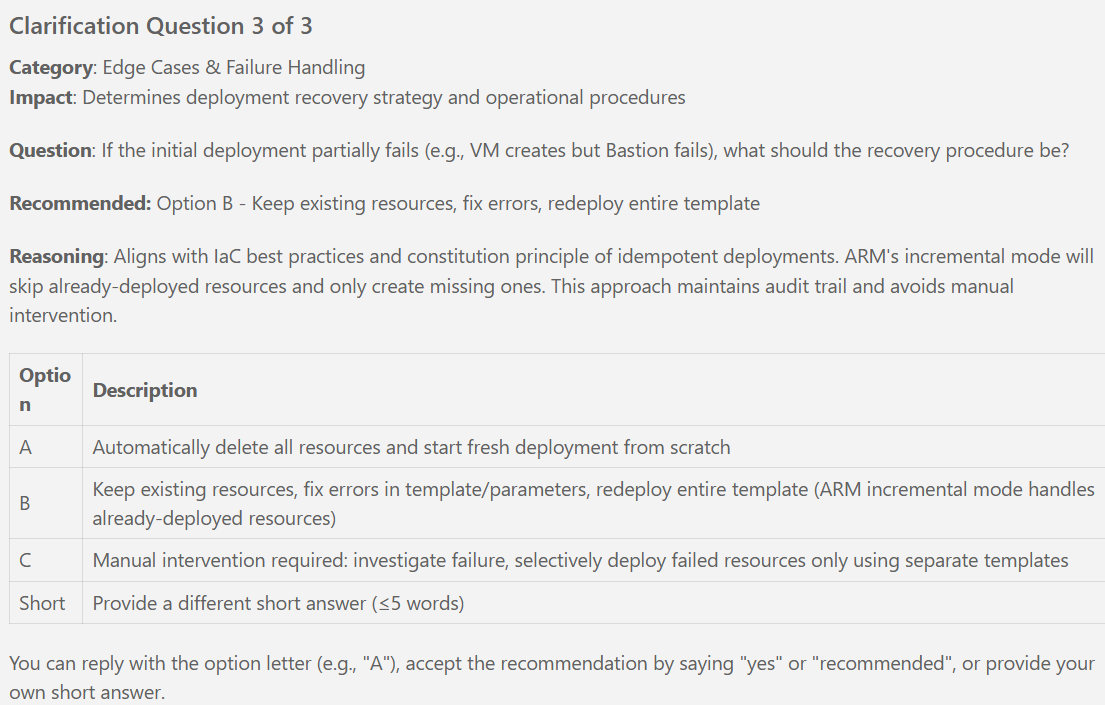
- [ ] T267 Execute complete teardown and redeploy to verify infrastructure is fully recreatable (terraform destroy → terraform apply)
- [ ] T268 Time full deployment from scratch (should complete within 30 minutes per SC-001)
- [ ] T269 Document actual deployment time and cost in docs/README.md

**Phase 7 Validation**:
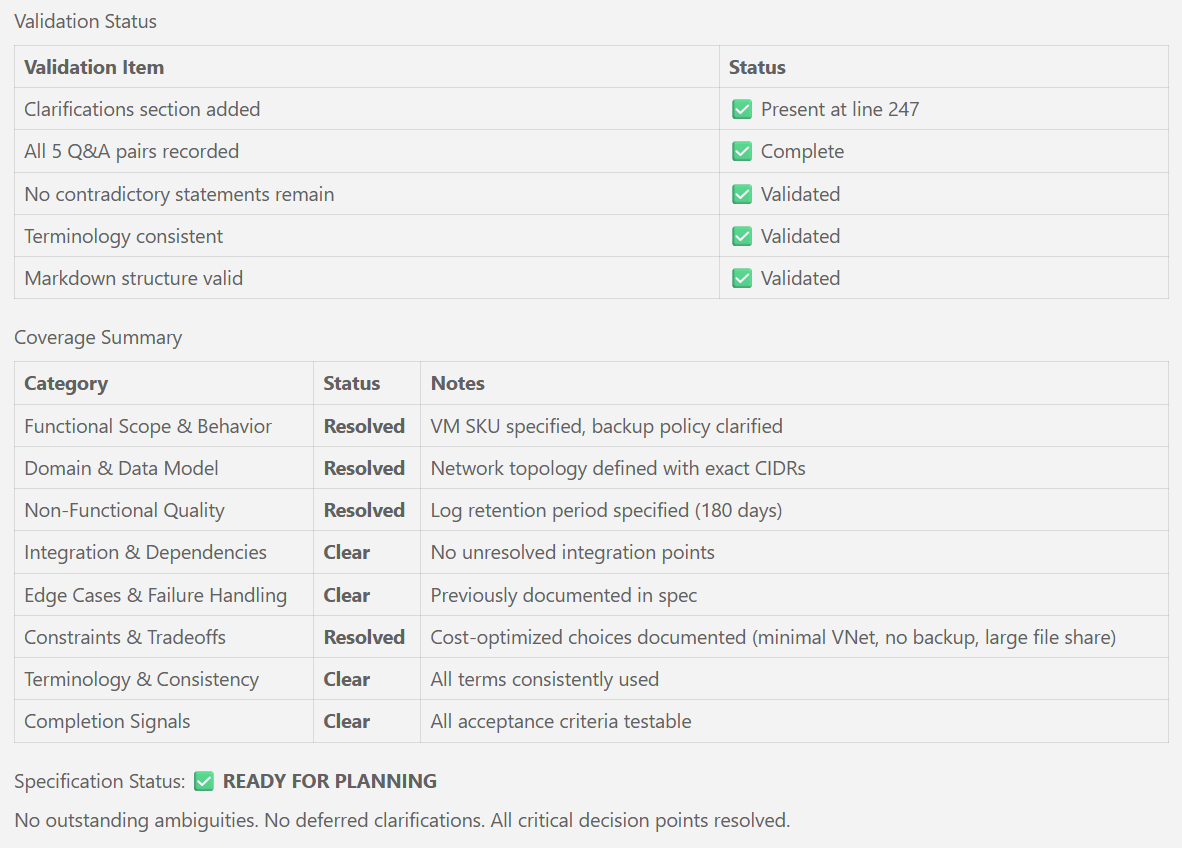
- ✅ All 13 success criteria (SC-001 through SC-013) met
- ✅ Terraform validation passing (fmt, validate, tfsec, checkov)
- ✅ Cost under $200/month confirmed
- ✅ Complete documentation available (README, architecture, deployment guide)
- ✅ Infrastructure fully recreatable from Terraform

---

## Dependencies Summary

### Phase Dependencies
```text
Phase 1 (Setup)
  ↓
Phase 2 (Foundational) [BLOCKS all user stories]
  ↓
Phase 3 (US1 - Core Compute) [BLOCKS all subsequent stories]
  ↓
Phase 4 (US2 - Secure Access) [Independent of US3, US4]
  ↓
Phase 5 (US3 - Storage) [Independent of US4, depends on US1+US2]
  ↓
Phase 6 (US4 - Observability) [Depends on US1+US2+US3]
  ↓
Phase 7 (Polish) [Depends on all user stories]
```

### Critical Path
1. Setup (Phase 1) → Foundational (Phase 2) → US1 (Phase 3) → US2 (Phase 4) → US3 (Phase 5) → US4 (Phase 6) → Polish (Phase 7)

### Parallel Opportunities
- **Setup Phase**: Tasks T005-T010 (Terraform file shells), T014-T016 (tooling installation)
- **Foundational Phase**: Variable definitions (T027-T030), outputs (T038-T039)
- **US1 Phase**: Variable definitions (T047-T054), NSG module blocks (T070, T074, T080), NSG associations (T084-T086), outputs (T068-T069, T103-T106)
- **US2 Phase**: Variable/locals (T118-T120), Key Vault outputs (T131-T134), Bastion outputs (T144-T145)
- **US3 Phase**: Variables (T159-T160), locals (T161-T162), outputs (T175-T177)
- **US4 Phase**: Locals (T195-T197), NAT Gateway outputs (T202-T203), alert resource creation (T206, T210, T214)
- **Polish Phase**: CI/CD pipeline tasks (T261-T266)

---

## Notes

### Tests
- **Not Generated**: Per spec, no test infrastructure requested. User story acceptance scenarios serve as manual test criteria.

### MVP Recommendation
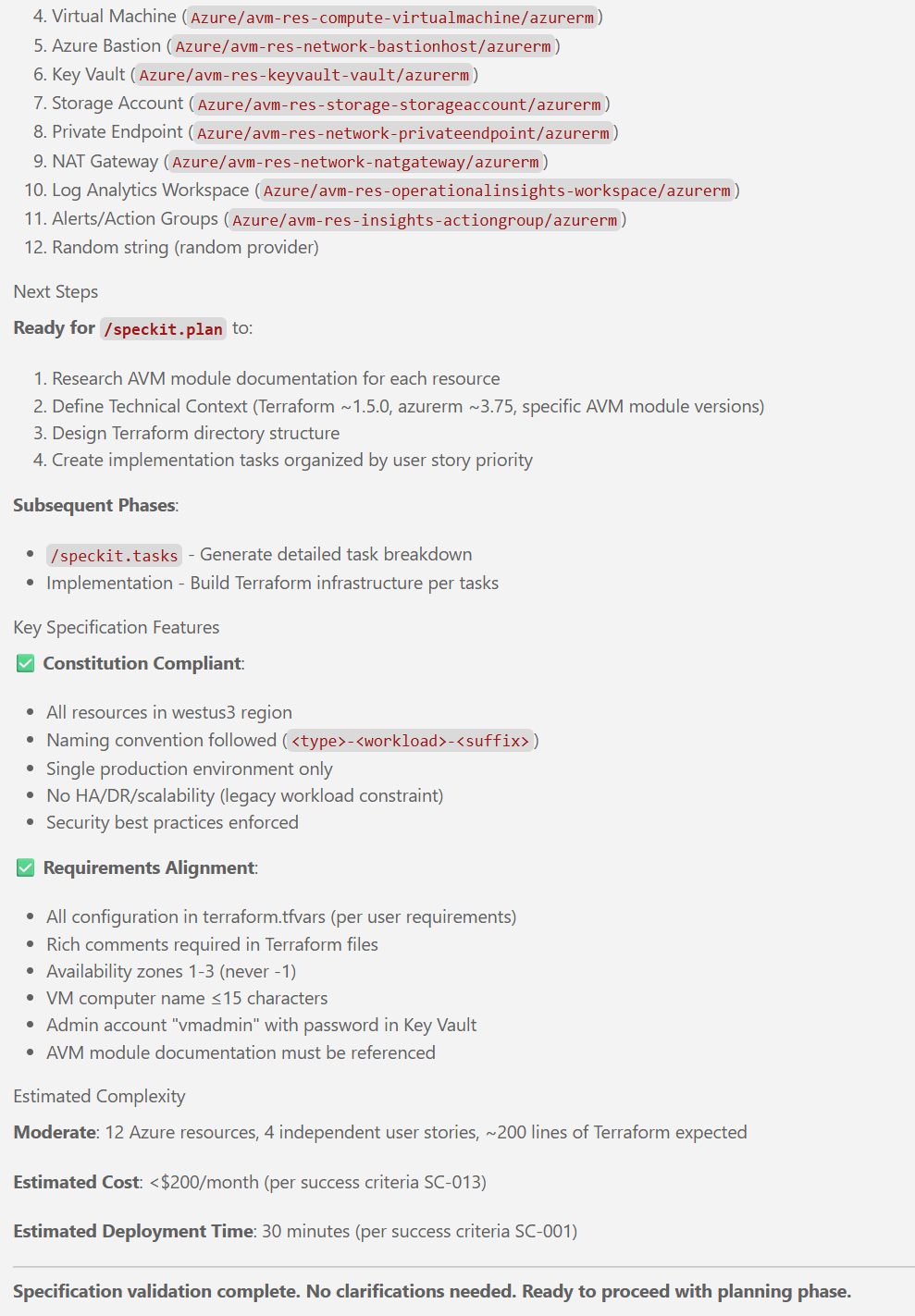
- **Suggested MVP**: Complete through Phase 4 (US1 + US2) for minimum viable secure infrastructure (VM with RDP access via Bastion, password in Key Vault)
- **Optional for MVP**: US3 (Storage) and US4 (Observability) can be deferred

### File Share Mount
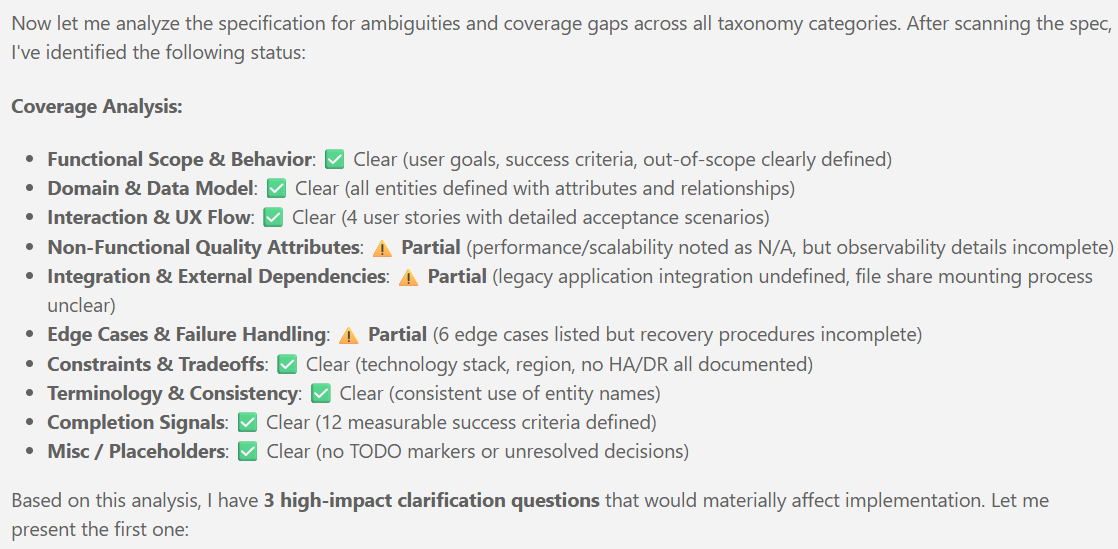
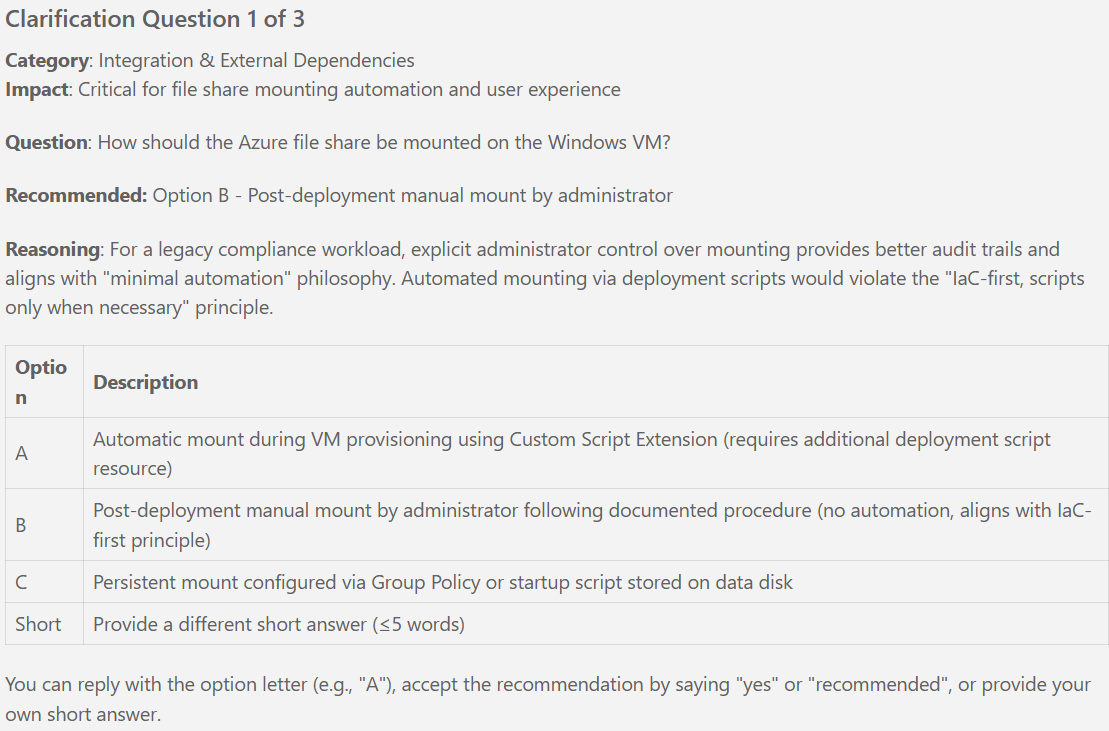
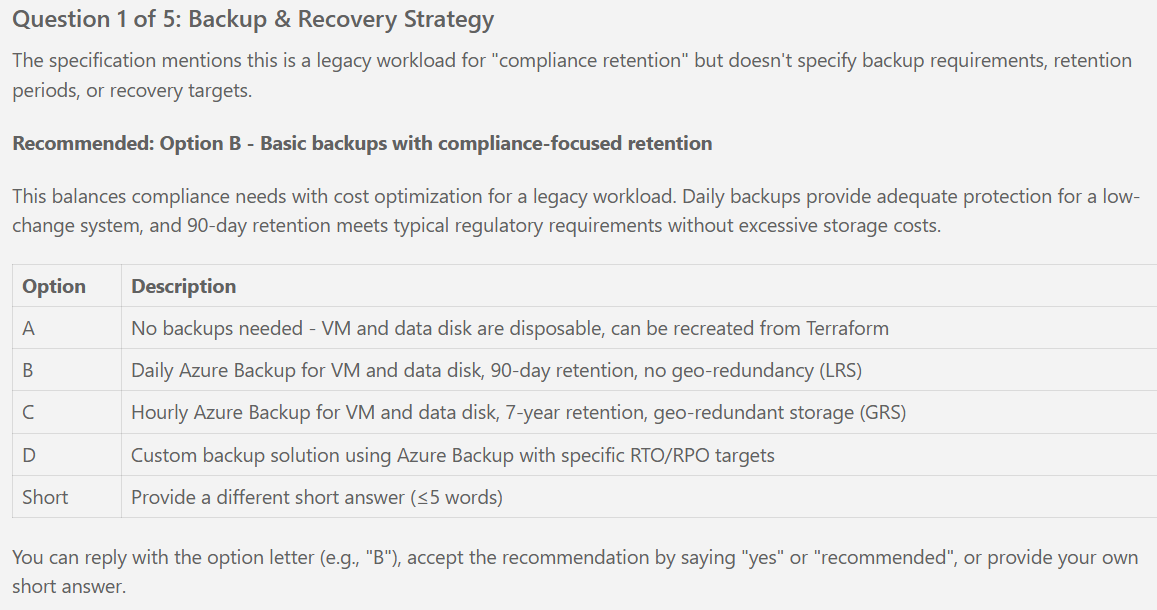
- **Post-Deployment Manual Step**: File share mounting to VM is manual per spec clarifications (no automation, aligns with IaC-first principle)
- **Instructions**: Provided in terraform/outputs.tf file_share_mount_instructions output

### AVM Module Versions
- **Research Required**: Phase 0 research (plan.md Phase 0) must verify latest AVM module versions from Terraform Registry before implementation
- **Version Constraints**: Use pessimistic versioning (~> X.Y.0) per constitution Principle II

### Constitution Compliance
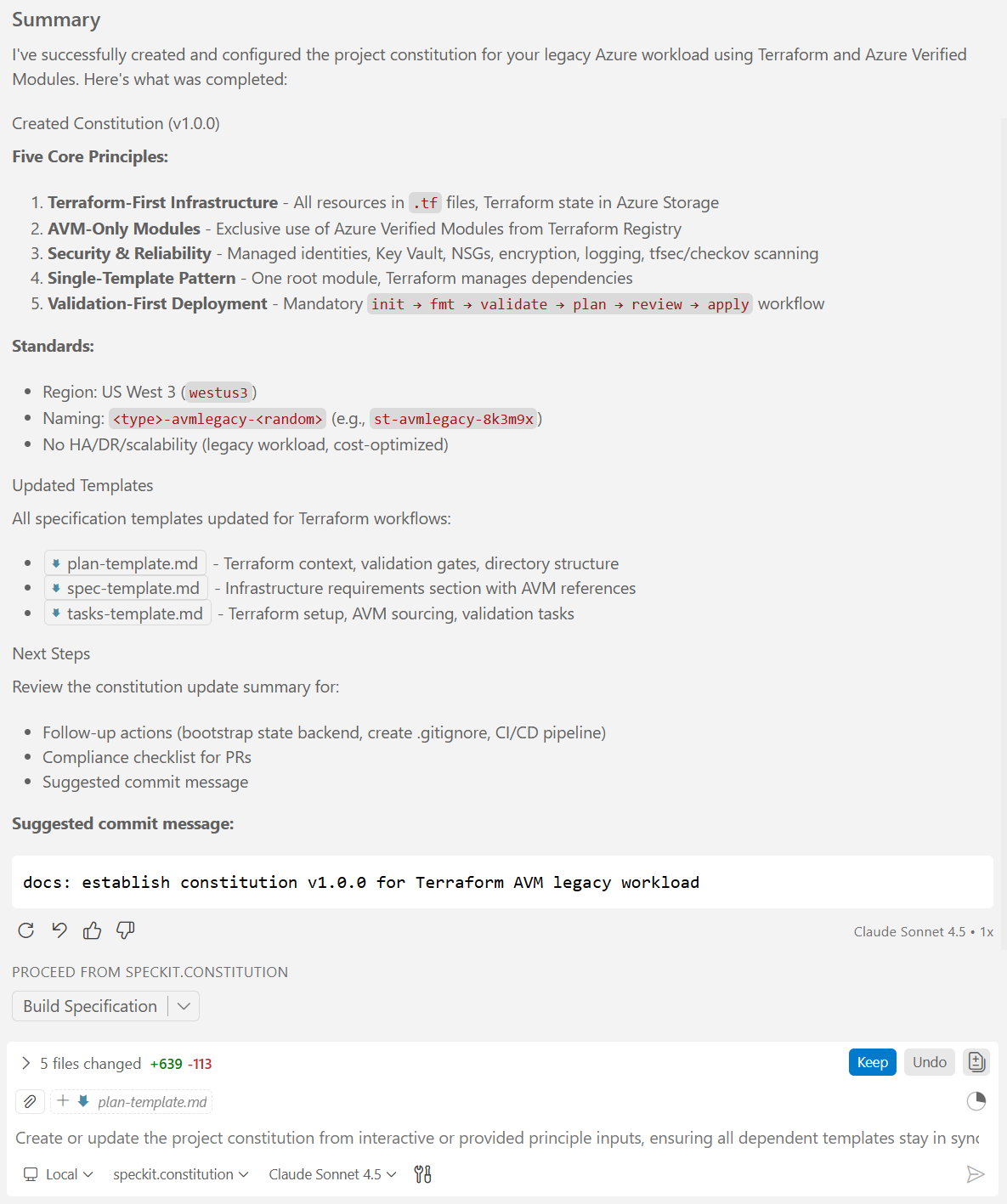
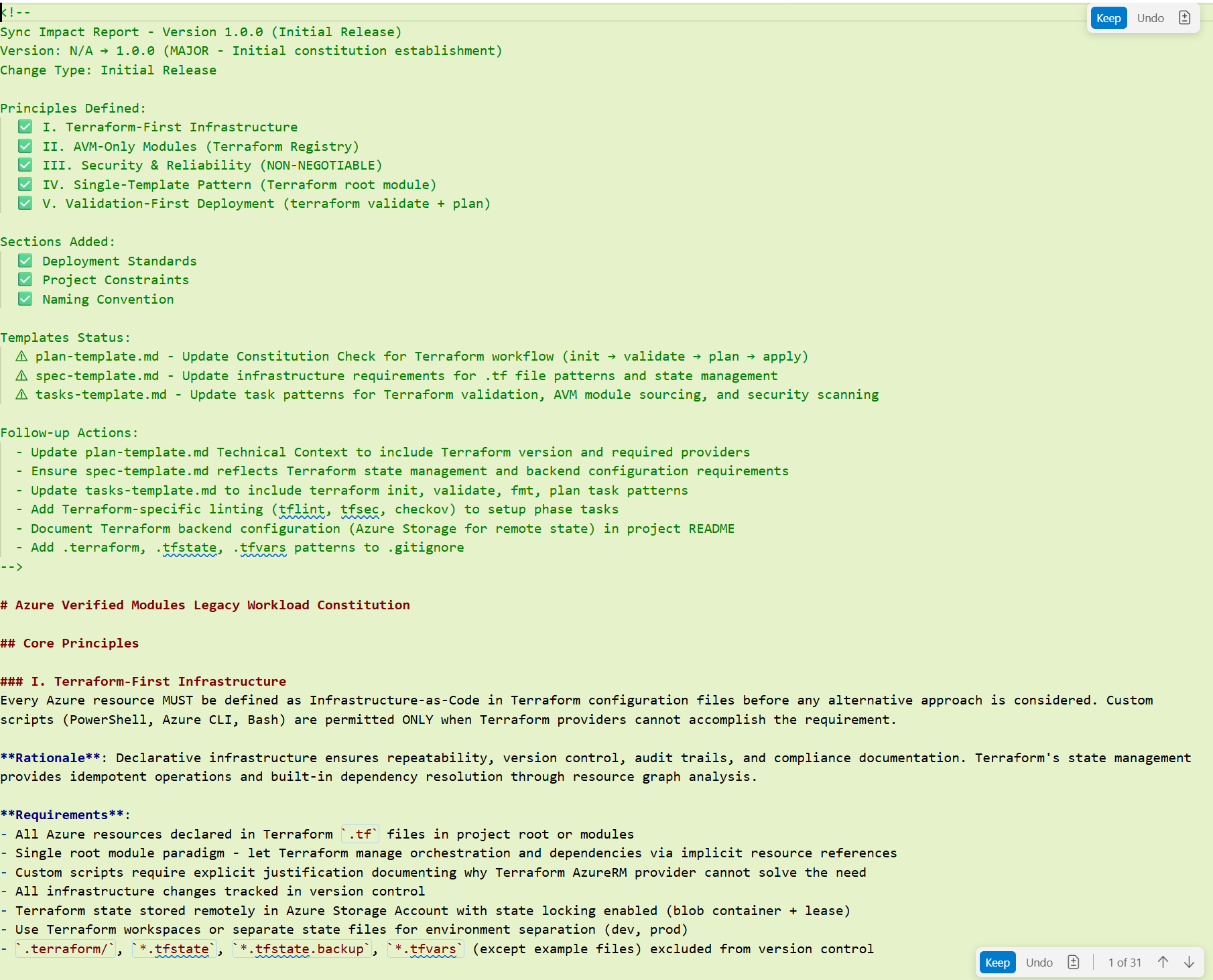
- **All tasks align with**: Constitution Principles I-V (Terraform-first, AVM-only, Security/Reliability, Single-template, Validation-first)
- **No local modules**: All tasks use AVM modules exclusively (no custom module creation)

### Validation Gates
- **Between Phases**: Run terraform fmt → validate → plan → review before apply
- **Security Scanning**: Run tfsec and checkov before final deployment
- **Manual Testing**: Each user story has independent test criteria in spec.md

---

**End of Tasks Document**

**Total Tasks**: 269
**Estimated Implementation Time**: 20-30 hours (including research, implementation, testing, documentation)
**Deployment Time**: ~30 minutes per spec SC-001
**Cost**: <$200/month per spec SC-013